
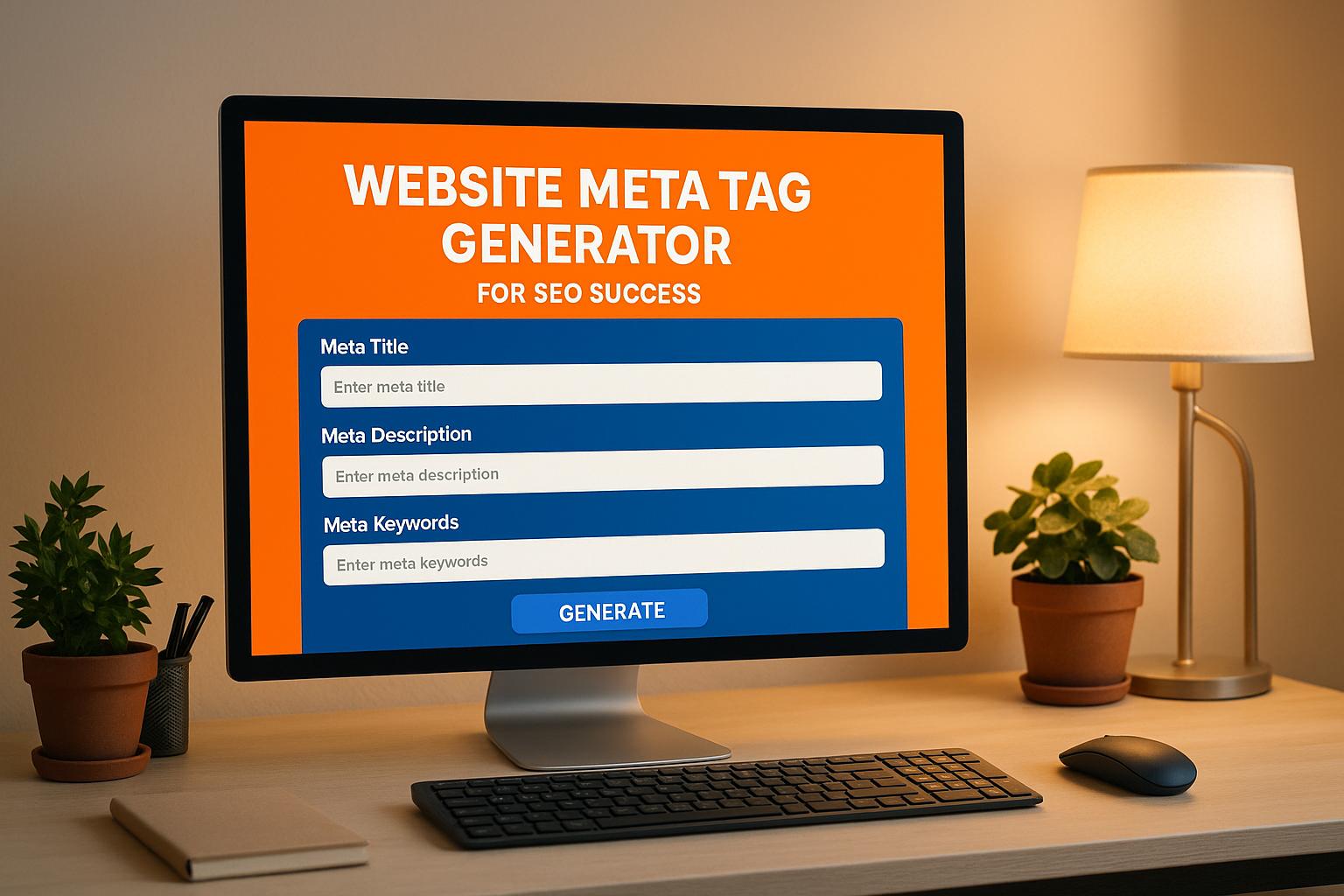
Boost Your Website with a Meta Tag Generator
If you’re looking to improve your site’s visibility on search engines, crafting the right HTML meta tags is a crucial step. These tiny snippets of code in your website’s
section communicate directly with search engines, helping them understand your content and display it effectively to users. But let’s be honest—writing them manually can feel like a chore, especially if you’re unsure about character limits or best practices.Why Meta Tags Matter
Think of meta tags as your website’s elevator pitch. A concise title tag grabs attention in search results, while a compelling description entices clicks. Keywords, though less impactful today, still play a role in niche relevance. Getting these elements right can mean the difference between ranking on page one or getting buried in obscurity.
Simplify with a Website Meta Tag Tool
That’s where a dedicated tool comes in handy. By using a generator designed for search optimization, you can create polished, effective tags in seconds. Whether you’re a blogger, small business owner, or marketer, streamlining this process frees up time for what really matters—creating great content. Try it out and watch your site climb the ranks!
FAQs
Why are meta tags important for my website?
Meta tags are like a first impression for search engines. They tell Google and others what your page is about, influencing how it’s displayed in search results. A well-crafted title and description can boost click-through rates, while keywords help with relevance. Without them, you’re leaving traffic on the table. Our tool ensures you follow best practices without needing to be an SEO guru.
What happens if my title or description is too long?
No worries! If your input exceeds the recommended limits—60 characters for titles and 160 for descriptions—our tool will trim the excess and show you a warning. You’ll see exactly what was cut so you can tweak it if needed. This keeps your meta tags search-engine-friendly and ensures they display properly on results pages.
Can I include keywords in my meta description?
Absolutely, and it’s a smart move! Our generator automatically prioritizes including your target keywords in the description if you’ve provided them, as long as there’s space within the 160-character limit. This can improve your page’s relevance for those terms in search engines. Just make sure it still reads naturally for users—our tool helps balance that.