

When managing a no-code website, real-time monitoring is crucial for ensuring uptime, performance, and user satisfaction. With 70% of new applications expected to use no-code technologies by 2025, finding the right monitoring tool is more important than ever. Here's a quick overview of the top tools:
- Browse AI: AI-powered monitoring with change detection and integrations for over 7,000 apps.
- ManageEngine Application Manager: Enterprise-grade monitoring with features like synthetic transaction tracking.
- Site24x7: Affordable, user-friendly monitoring with global coverage and advanced performance checks.
- Sentry: Error tracking and performance monitoring tailored for developers and scalable projects.
- Lideroo Analytics and Monitoring: Built-in monitoring within a no-code website builder, offering a streamlined solution.
Each tool offers distinct features for different needs, from simple blogs to high-traffic platforms. Below is a comparison to help you decide which fits your requirements best.
Quick Comparison
| Tool | Key Features | Ease of Use | No-Code Support | Starting Price | Best For |
|---|---|---|---|---|---|
| Browse AI | AI-powered change detection, integrations | Excellent for beginners | Full no-code support | Contact for pricing | Automation and data monitoring |
| ManageEngine | Synthetic monitoring, server health | Moderate | Limited | $395/year | Enterprise-level needs |
| Site24x7 | Uptime, SSL checks, RUM | User-friendly | Moderate | $9/month | Budget-conscious monitoring |
| Sentry | Error tracking, session replay | Moderate (developer-focused) | Minimal | $26/month | Error resolution for developers |
| Lideroo | Built-in analytics in website builder | Very easy | Native integration | Free plan | All-in-one website management |
These tools ensure you can monitor performance, respond to issues quickly, and maintain a reliable online presence without needing technical expertise.
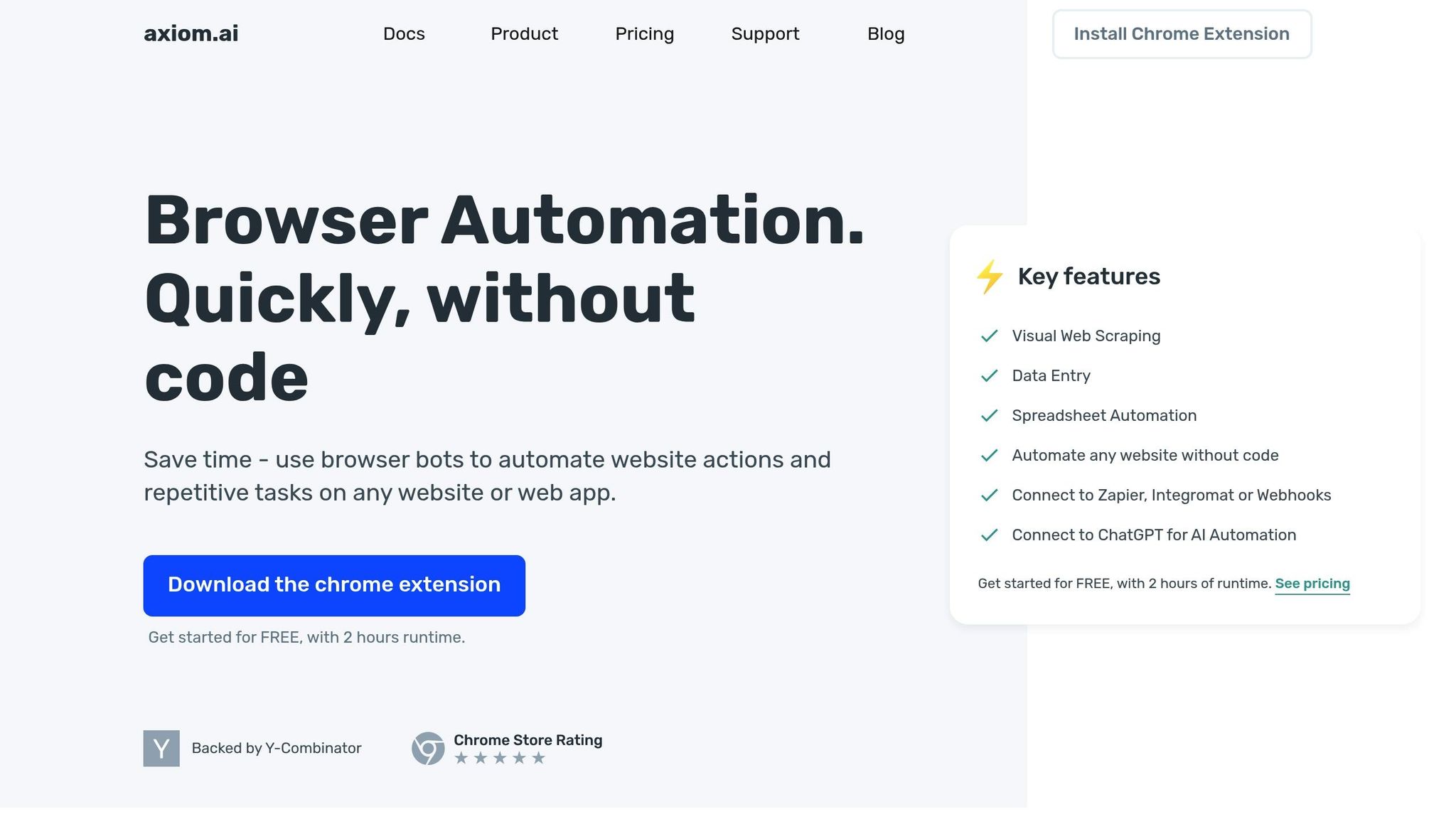
How to monitor a website and trigger a web hook with Axiom.ai
What to Look for in Real-Time Monitoring Tools
Picking the right real-time monitoring tool for your no-code website isn’t just about adding extra features - it’s about finding a solution that’s intuitive for non-technical users. The most effective tools share a few key traits that make them ideal for managing no-code platforms. Let’s break down what to prioritize.
Easy Setup should top your list. Many traditional tools require complex configurations like server access, API setups, or embedding code. Instead, look for tools that offer simple, browser-based integrations. This is especially crucial for directory websites, where managing multiple listings can quickly become overwhelming without efficient monitoring in place.
Instant Alerts are another must-have. The ability to customize alert thresholds ensures you’re notified immediately about issues that could affect user experience or revenue. At the same time, a good tool won’t bombard you with unnecessary notifications, keeping you focused on what matters most.
Business-Friendly Dashboards can make managing your site much easier. Forget analytics filled with technical jargon - an ideal dashboard should present critical metrics like uptime, response times, and user activity in a clear, visual format. This allows you to make quick, informed decisions without wading through overly complicated data.
Growth and Scalability
Your monitoring tool should grow with your business. A system that works well for a small blog might not handle the demands of a directory site experiencing a surge in traffic. Choose a solution that can adapt to increased usage without requiring a complete overhaul.
No-Code Compatibility
This isn’t just a convenience - it’s essential for long-term success. As Melody Brue, Principal Analyst for FinTech at Forbes, puts it:
"Low-code, no-code puts the power of efficiency into the hands of a newer generation of corporate professionals who have a greater aptitude for technology, are instinctive in their use of digital tools, and want the ability to create solutions and expand their skillsets quickly" [1].
By prioritizing no-code compatibility, you eliminate technical hurdles and free up your time to focus on scaling your business and serving your users.
For subscription-based content and directory websites, these features combine to create a monitoring system that safeguards your revenue. Whether it’s downtime or slow performance in critical areas of your site, well-timed alerts enable you to address problems before they affect your bottom line. The right tools empower you to act quickly and effectively, without having to rely heavily on technical support.
1. Browse AI
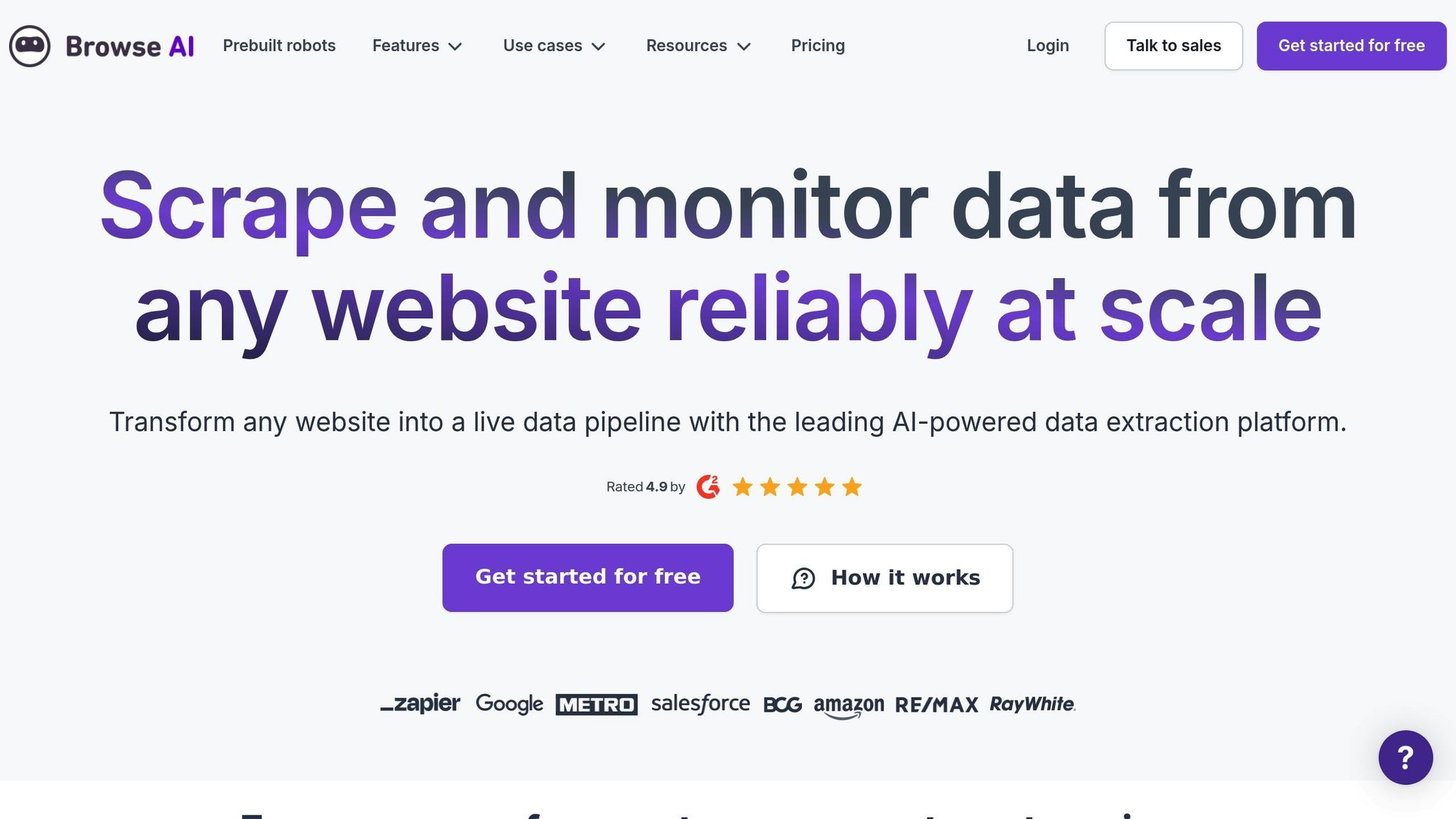
Browse AI is a no-code monitoring tool trusted by over 558,000 users. With an impressive track record of extracting more than 7 billion rows of data and automating over 33 million tasks, it’s a reliable choice for businesses seeking efficient data monitoring solutions [2]. Its standout feature? Real-time, color-coded change detection that simplifies tracking updates.
Real-time Monitoring Capabilities
Browse AI’s monitoring system goes far beyond basic uptime checks. Its AI-powered change detection can monitor up to 500,000 pages, automatically tracking and highlighting modifications [3]. The platform uses a color-coded system to make updates easy to spot: green for new content, yellow for changes, and red for removed information. It even detects critical changes like text edits, list alterations, positional shifts, and visual updates captured through screenshots [3].
Scheduling tasks is simple, with options for daily, weekly, or monthly monitoring. Plus, users receive instant email alerts whenever significant changes occur [2].
Jonathan G., a CTO who uses Browse AI, shared his thoughts:
"Browse AI is fabulous and has saved us many many days of development time allowing us to focus on the core features of our platform rather than data capture" [3].
Seamless Integration with No-Code Platforms
One of Browse AI’s strengths is its ability to integrate with over 7,000 applications through platforms like Zapier and Make.com [2]. This means users can easily funnel monitored data into tools like Google Sheets, Airtable, CRMs, and more - without writing a single line of code.
Chris C., a Partner Development Specialist, highlighted the platform’s ease of use:
"The UX is all point-and-click, and it's easy to integrate with whatever automation or database you want to use. Its entirely no-code interface empowers non-technical users to be able to do anything I needed with a bit of learning and testing" [2].
For added convenience, Browse AI provides prebuilt robots tailored for industries such as e-commerce, real estate, recruiting, and social media [2].
Scalability for All Website Types
Whether you’re running a small blog or managing a large directory website, Browse AI can scale to meet your needs. Built on a robust AWS infrastructure, it supports monitoring tasks across a wide range of website types. This includes tracking competitor prices on e-commerce sites, monitoring real estate listings, or keeping tabs on social media mentions. Its ability to monitor pages behind logins is particularly useful for subscription-based platforms and directory websites [3].
Flexible and Affordable Pricing
Browse AI’s pricing model is designed to accommodate businesses of all sizes. From smaller operations to complex projects requiring managed services and expert-supported data extraction, the platform offers flexibility [2]. Its "easy start, infinite scale" approach allows users to begin with basic monitoring needs and expand as their requirements grow. This not only reduces the burden of manual monitoring but also frees up resources to focus on core business activities [2].
2. ManageEngine Application Manager
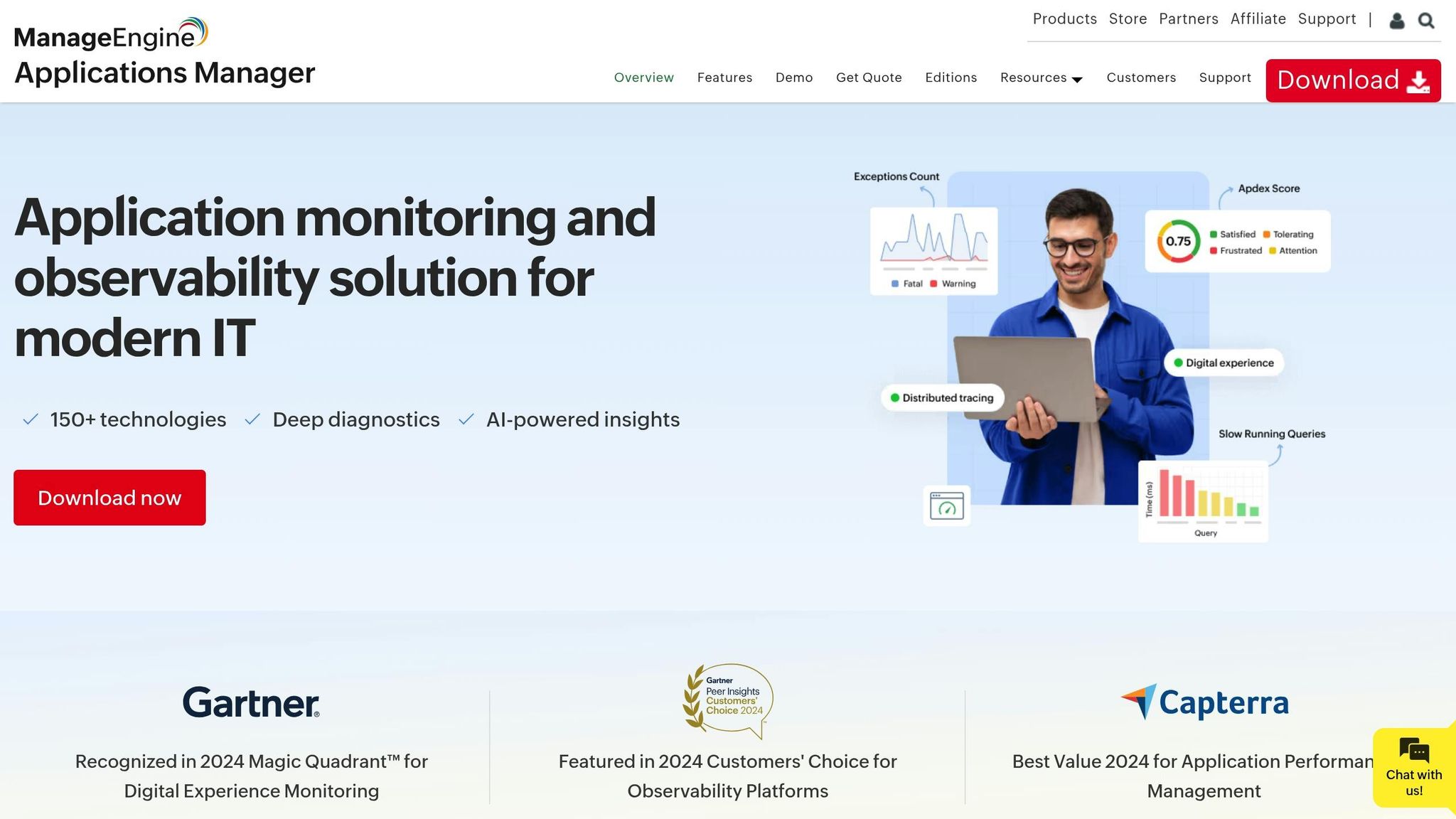
ManageEngine Application Manager is designed to provide enterprise-grade monitoring capabilities, making it a strong choice for no-code website monitoring. It supports over 1,050 concurrent users without any noticeable performance issues [6]. Ryan Arian from ZE Power Group shared his experience, stating, "Applications Manager was the first successful tool that we implemented at an enterprise level" [5].
Real-time Monitoring Capabilities
This platform offers a unified dashboard that gives a clear view of website performance, covering everything from basic uptime to more intricate user interactions [4]. Its URL monitoring feature ensures you're alerted immediately if page loading slows down. For deeper insights, synthetic transaction monitoring mimics how users navigate your site from various global locations, while Real User Monitoring (RUM) captures live data on actual user behavior across different browsers, devices, ISPs, and regions [4].
The webpage analyzer digs into performance issues by tracking response times, page sizes, and resource usage [4]. It also keeps an eye on SSL/TLS certificates to avoid expiration problems and monitors URLs against Google's Web Risk database to identify potential threats like malware or phishing attempts [4]. These tools work seamlessly to ensure no-code websites run smoothly.
Scalability for Different Website Needs
ManageEngine Application Manager is built to scale, offering two editions tailored to different business sizes. The Professional edition supports up to 500 applications, making it a great fit for small to mid-sized businesses managing multiple no-code websites [5]. For larger-scale operations, the Enterprise edition can handle up to 10,000 monitors [5].
Global companies like Lexmark and Wipro Infotech have successfully adopted this platform. Carlos Rivero from Lexmark commented, "I like Applications Manager because it helps us to detect issues present in our servers and SQL databases" [5].
Pricing and Affordability
ManageEngine Application Manager offers flexible pricing that caters to businesses of all sizes. The free edition supports up to 5 monitors, allowing users to explore the platform's basic features before committing [7]. The Professional edition starts at $395 per year, while the Enterprise edition begins at $9,595 annually [7].
Both annual subscriptions and perpetual licenses are available. For instance, in the Professional edition, 10 monitors with one user cost $395 annually or $995 for a perpetual license [8]. Add-ons like Real User Monitoring are also available, starting at $65 per year for 100,000 page views, scaling up to $19,995 annually for 100 million page views [8].
System Administrator Stephen U. praised the platform, saying, "It offers a cost-effective solution compared to some competitors, providing excellent value for the features and functionality it offers" [9]. That said, some users have pointed out that the interface can feel outdated and a bit challenging for beginners [7].
3. Site24x7
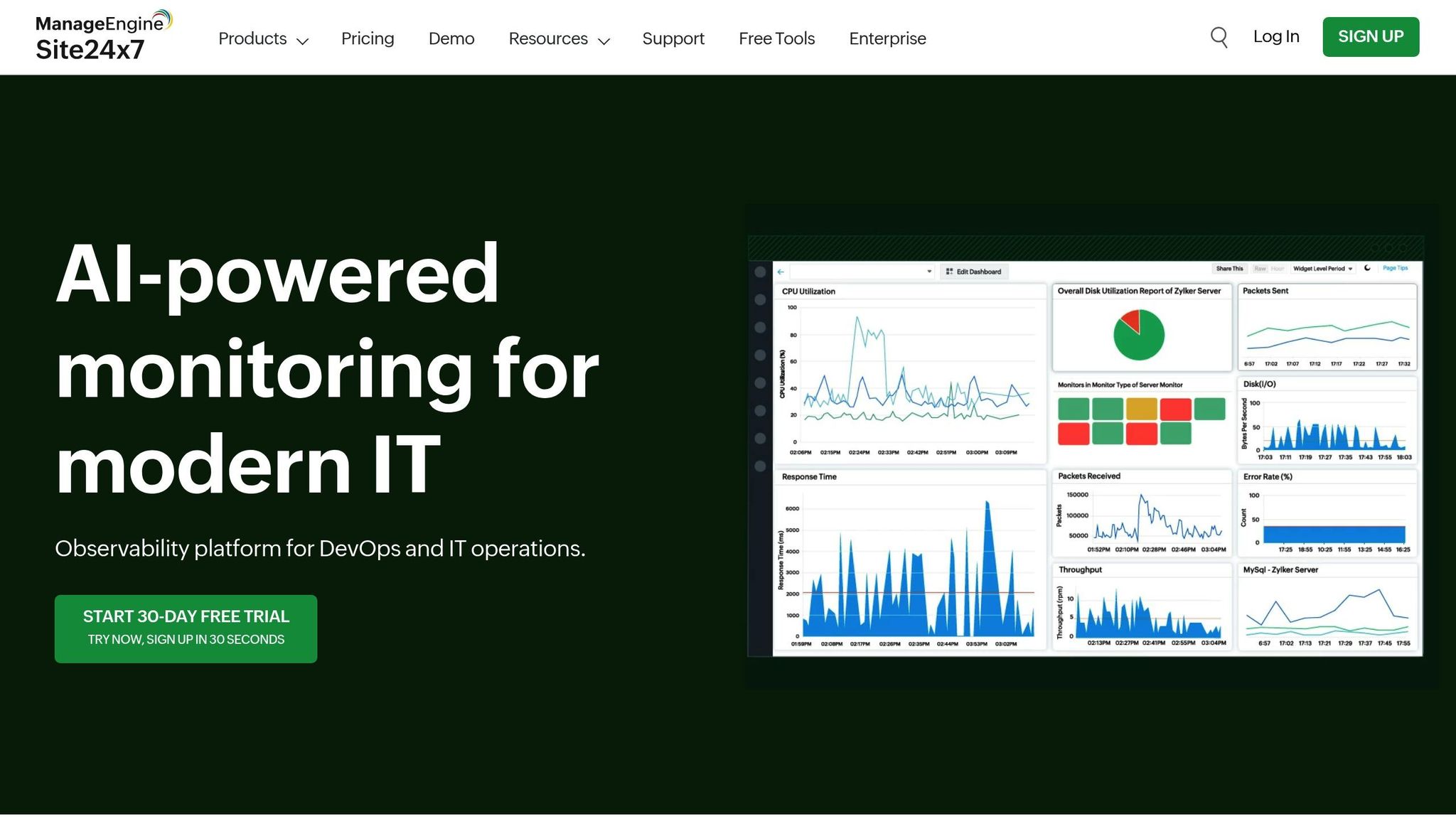
Site24x7 is a powerhouse when it comes to monitoring no-code websites, offering tools that cater to enterprise-level demands. With the ability to monitor over 250,000 websites for its largest customer and performing 410 million uptime checks daily, this platform is built for businesses managing multiple no-code sites or handling high-traffic applications [11].
Real-time Monitoring Capabilities
Site24x7 goes beyond the basics with its real-time dashboards and detailed performance checks. Monitoring is conducted from over 130 global locations, ensuring your site is accessible worldwide [11]. The platform combines several advanced monitoring features, including:
- Real user monitoring (RUM) to track actual visitor experiences.
- Synthetic transaction monitoring for processes like multi-step forms.
- Mobile performance tracking across 3G, 4G, and 5G networks.
- Security checks like SSL/TLS certificate monitoring and website defacement detection [10][11].
In addition, Site24x7 keeps tabs on internet services like HTTPS, DNS servers, and REST/SOAP web services. Its AI-powered anomaly detection identifies unusual performance patterns, helping you address issues before they escalate [10].
As Systems/Data Analyst Justin Roberts puts it:
"I was always very happy with the service at Site24x7.com. Notifications were easy to set up, and the reports were delivered quickly after any outages with clear explanations given. I highly recommend this tool for Website availability monitoring" [11].
Integration with No-Code Platforms
Site24x7 integrates effortlessly with no-code automation tools like Zapier and Zoho Flow, connecting your website monitoring with thousands of other apps - no coding required [12][13]. These integrations make it easy to automate alerts through platforms such as Slack, Microsoft Teams, email, or SMS whenever performance issues arise [12][13].
For example, using Zoho Flow, Site24x7 can send alerts via Zoho Cliq, ensuring you’re instantly notified of any website performance hiccups [13].
Scalability for Various Website Types
Built with scalability in mind, Site24x7’s distributed architecture adapts to a wide range of website types, from simple blogs to complex directory sites [14][15]. The platform offers centralized monitoring for websites, servers, networks, applications, and real user experiences, all from a single console [15].
For WordPress-based no-code sites, Site24x7 provides specialized tools like WordPress server monitoring and MySQL database performance analysis. Plugins for Real User Monitoring and WordPress Server Monitoring deliver in-depth insights, ensuring your site runs smoothly [15].
The platform’s compatibility with over 1,000 network device types from more than 100 vendors highlights its flexibility across various hosting setups and technical configurations [15].
Pricing and Affordability
Site24x7’s pricing is designed to suit businesses of all sizes, making it accessible for no-code website owners at different stages of growth. Here’s a breakdown:
- A free plan covers basic monitoring for up to five websites [15].
- A 30-day free trial of the Business plan allows users to explore advanced features [15].
- Paid plans start at $9/month for basic monitoring and go up to $42/month for a professional all-in-one plan. Enterprise plans are available from $625/month [15][16].
All paid plans include essential features like email, voice, SMS, and Twitter notifications, as well as Root Cause Analysis to pinpoint performance issues [15]. Whether you’re just starting or managing a large-scale operation, Site24x7 offers options to match your needs.
sbb-itb-dfa823a
4. Sentry
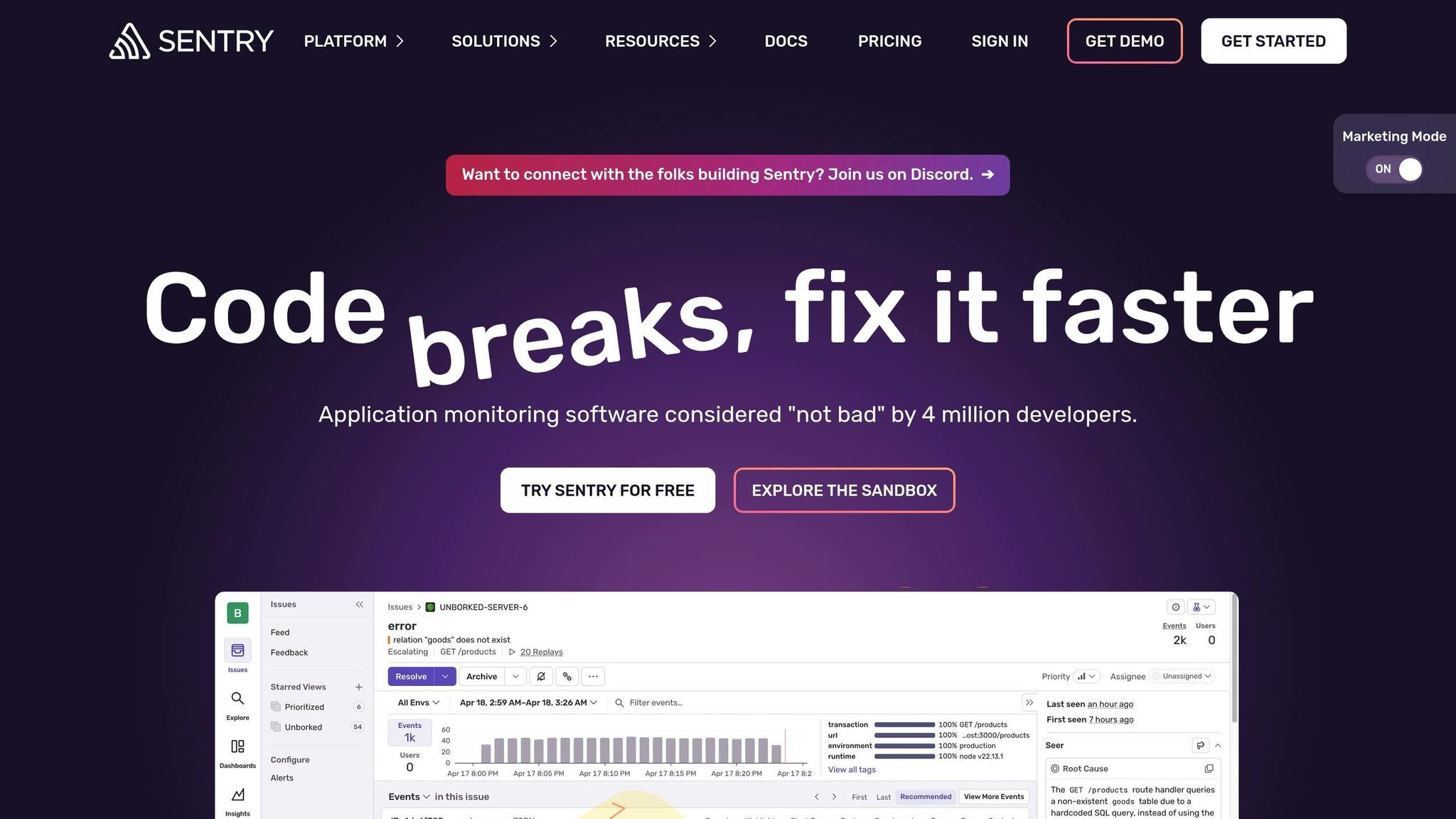
Sentry provides error tracking and performance monitoring tailored for developers and no-code websites. Trusted by over 100,000 organizations and 1.3 million users worldwide, it stands out for its ability to deliver real-time insights into errors and performance issues [19].
Real-Time Monitoring Capabilities
Sentry automatically detects unhandled errors and delivers detailed stack traces, making it easier to identify and fix problems. Its performance monitoring tools track key metrics like page load times, API latency, and memory usage [18]. Features like session replay and user interaction logs allow teams to trace issues with precision, capturing the environment details needed for quick resolutions [18] [19]. These capabilities make it a natural fit for integration into no-code platforms.
Many major organizations depend on Sentry for its reliable monitoring. For example, Disney+ uses Sentry to ensure smooth service for its global subscriber base, while Rootly, deploying updates 10–20 times daily, relies on Sentry to pinpoint issues down to the exact commit and line of code. This efficiency allows them to resolve problems in minutes instead of hours [17].
Integration with No-Code Platforms
Sentry bridges the gap between technical and non-technical users by making monitoring straightforward while offering advanced insights for faster problem-solving. It integrates seamlessly into no-code platforms through JavaScript SDKs, sentry-cli, and webhooks, enabling error tracking even in environments that support custom code injection [18] [23].
One notable example of integration was showcased in December 2024 [20].
Scalability for Different Website Types
Sentry's features make it suitable for a wide range of websites, from personal blogs to enterprise-level applications. With over 6 million live websites using Sentry, its scalability is evident [22]. Its flexibility caters to various no-code projects, including directory sites and content platforms.
Forethought, an AI company releasing updates 2.5 times daily, highlights Sentry's efficiency in high-velocity settings. By connecting their GitHub CODEOWNERS file with Sentry, they cut resolution times by up to 94% and improved issue ownership across teams [21]. Jad Chamoun, Engineering Manager at Forethought, shared:
"As our team of engineers grew, we had to split up. While that made sense from a product management and tracking perspective, we didn't anticipate how difficult it would be to determine ownership of issues that were happening in production and the knock-on effects." [21]
By using Sentry's team-based error filtering and automatic assignment features, Forethought reduced issue resolution times from months to just days or even hours [21].
Pricing and Affordability
Sentry offers a free Developer plan, while the Team plan starts at $26/month (billed annually). It delivers robust monitoring tools with high customer satisfaction, earning a 4.5/5 rating on G2. Users appreciate its intuitive interface, actionable error insights, and straightforward tracking features [19].
5. Lideroo Analytics and Monitoring
Lideroo stands out as the only platform on this list that brings website building and monitoring together in one seamless experience. As an AI-driven, no-code website builder, it eliminates the hassle of juggling separate tools by offering an integrated solution.
Real-Time Monitoring Capabilities
Lideroo's built-in monitoring system operates effortlessly within its no-code platform, delivering real-time insights without the need for external integrations. Through its analytics dashboard, users can track key metrics such as visitor behavior, page speed, and traffic patterns.
The level of monitoring available depends on the selected plan. The Free plan provides basic analytics, ideal for small-scale projects. Meanwhile, the Starter, Pro, and Agency plans offer more advanced analytics, delivering deeper insights into website performance and user engagement. This all-in-one approach makes monitoring simple and efficient right from the start.
Integration with No-Code Platforms
Unlike traditional monitoring tools that often require complex technical setups, Lideroo’s analytics are ready to go as soon as your website is published. Similar to other no-code platforms, Lideroo empowers users without technical expertise by removing extra steps. The platform’s drag-and-drop editor, pre-designed templates, and visual customization tools work seamlessly with its monitoring system, allowing users to access performance data directly within the same interface they use to build and manage their sites.
Scalability for Different Website Needs
Lideroo’s real-time monitoring capabilities are paired with a pricing model that adapts to the scale of your website. The Free plan supports a single website with up to 5,000 visits per month. For $39/month, the Starter plan allows unlimited websites with up to 50,000 visits per month. The Pro plan, priced at $89/month, supports up to 250,000 visits per month, while the Agency plan at $249/month accommodates up to 1 million visits per month. For websites exceeding these limits, additional visits can be purchased: 100,000 extra visits for $5/month, 500,000 for $20/month, or 1 million for $35/month.
Pricing and Accessibility
Lideroo’s pricing structure ensures that professional website monitoring is within reach for a wide range of budgets. The Free plan covers essential analytics at no cost, while the paid plans combine advanced monitoring tools with website-building features. This integrated setup can save both time and money compared to managing separate subscriptions for a website builder and monitoring tool, simplifying both your expenses and workflow.
Tool Comparison Chart
Below is a breakdown of key tools, highlighting their main features, ease of use, pricing, and strengths to help you decide which one fits your needs best.
| Tool | Key Monitoring Features | Ease of Use | No-Code Support | Starting Price | Main Strengths |
|---|---|---|---|---|---|
| Browse AI | AI-powered change tracking, data extraction, and monitoring for sites requiring login access | Excellent – designed for non-technical users | Full no-code support | Contact for pricing | AI automation with 7,000+ app integrations |
| ManageEngine Application Manager | Tracks application performance and server health | Moderate – requires some technical knowledge | Limited integration options | Custom pricing | Enterprise-level features with detailed monitoring capabilities |
| Site24x7 | Uptime checks, performance tracking, SSL monitoring, and DNS checks | Good – user-friendly interface | Moderate integration options | $9/month | Budget-friendly with flexible monitoring tools |
| Sentry | Tracks errors, monitors performance, offers session replay, and code coverage | Moderate – aimed at developers | Minimal no-code support | Contact for pricing | Advanced error tracking and code insights |
| Lideroo Analytics and Monitoring | Real-time visitor tracking, page speed insights, and traffic analysis | Excellent – seamlessly integrated into its website builder | Native integration with Lideroo platform | Free plan available | All-in-one monitoring solution tailored to its platform |
This chart condenses the key differences so you can quickly identify which tool aligns best with your website's specific needs.
Pricing and Features at a Glance
- Site24x7 stands out for its affordability, starting at $9 per month for basic uptime monitoring, with more advanced features available at $225 per month for enterprise users.
- Lideroo includes monitoring as part of its website builder plans, offering a free tier and premium options starting at $49 per month.
If you're after AI-powered automation and integrations, Browse AI is a strong contender. Its focus on non-technical users and broad compatibility makes it a versatile choice. For those who prefer an all-in-one solution, Lideroo eliminates the need for extra tools by integrating monitoring directly into its platform.
On the other hand, ManageEngine Application Manager and Sentry cater to more technical teams. These tools offer powerful features for deep application monitoring and error tracking but may require more setup and expertise compared to the others.
Conclusion
The success of your no-code website heavily relies on choosing the right real-time monitoring tool. With 53% of mobile users leaving websites that take over three seconds to load [25], having an effective monitoring system is no longer a luxury - it’s a necessity for keeping visitors engaged and ensuring your site operates smoothly.
When you pair a no-code builder like Lideroo with integrated monitoring, you simplify the process of tracking uptime, page performance, and receiving alerts. You don’t need technical skills to stay on top of potential issues. Whether you opt for Browse AI’s automation capabilities, Site24x7’s budget-friendly options, or Lideroo’s built-in analytics, you’re making a smart investment in your site’s long-term performance.
Modern monitoring tools, equipped with AI-driven anomaly detection and real user insights, provide actionable data that helps you make immediate improvements - all through an easy-to-use drag-and-drop interface [24][25]. This ensures your website remains fast, secure, and reliable, which are essential for retaining users and driving revenue.
While advancements in AI and analytics continue to reshape the monitoring landscape, the main takeaway stays the same: proactive monitoring catches issues before they affect your users. By integrating the right monitoring solution with your no-code builder, you’re laying the foundation for a dependable and scalable online presence.
FAQs
What should I consider when selecting a real-time monitoring tool for my no-code website?
Choosing the best real-time monitoring tool for your no-code website involves weighing a few important factors. First, think about how frequently you need updates. Some tools provide constant monitoring, while others check periodically. It’s also essential to find a tool that works seamlessly with your no-code platform and offers customizable alerts, so you’re instantly notified of any performance issues.
Next, consider the kind of insights you’re looking for. Tools with real user monitoring (RUM) capabilities can give you a window into how visitors interact with your site, helping you spot and address potential slowdowns or problem areas. Lastly, make sure the tool fits within your budget and matches the scale and complexity of your website. By keeping these points in mind, you’ll be able to pick a monitoring tool that boosts your site’s performance and improves the user experience.
What are the benefits of using real-time monitoring tools on no-code websites?
Integrating real-time monitoring tools into no-code websites brings some major perks. These tools let you spot and resolve issues on the spot, whether it's a security risk or a performance hiccup, keeping your website dependable and safe.
Beyond that, real-time monitoring delivers alerts and performance insights you can act on, so you can tackle problems fast and keep things running smoothly for your users. By ensuring your website operates without a hitch, these tools not only boost user satisfaction but also save you time and effort - making them a smart, budget-friendly choice for no-code platforms.
How do real-time monitoring tools enhance my no-code website's performance and user experience?
Real-time monitoring tools are essential for keeping your website running smoothly and delivering a great user experience. These tools let you spot and fix problems like downtime, sluggish page speeds, or security risks as they happen, ensuring your site stays dependable and responsive.
With real-time data at your fingertips, you can handle sudden traffic surges, fine-tune resource allocation, and provide visitors with a seamless browsing experience. The result? Less frustration for users, higher engagement, and a website that performs at its peak.