

Email automation tools make managing campaigns faster and easier - no coding required. They help save time, cut costs, and boost sales by automating tasks like welcome emails, abandoned cart reminders, and personalized follow-ups. Here are the top tools to consider:
- ActiveCampaign: Advanced automation with segmentation and lead scoring. Starts at $29/month.
- Brevo: Affordable with email, SMS, and built-in CRM. Free plan includes 300 emails/day.
- MailerLite: Beginner-friendly with landing pages and generous free tier for 1,000 subscribers.
- HubSpot: All-in-one marketing and CRM integration starting at $20/month.
- Klaviyo: Best for e-commerce with behavioral triggers and predictive analytics. Free for 250 contacts.
These platforms offer free plans or trials, so you can test features like drag-and-drop builders, pre-built templates, and integrations to find the best fit for your needs.
How to Automate Cold Emails Without Coding (Make.com tutorial)
What to Look for in No-Code Email Automation Tools
Picking the right no-code email automation tool can have a huge impact on your marketing success. The best platforms simplify complex campaign management into easy-to-use, visual processes. Knowing what to focus on helps you find tools that truly fit your needs. Here’s a breakdown of the key features that define a solid no-code email automation tool.
Drag-and-Drop Workflow Builders
A user-friendly, drag-and-drop workflow builder is the backbone of any effective no-code email platform. These tools let you design customer journeys by simply dragging actions like "send email", "wait", or "add to list" onto a visual canvas. Platforms like ActiveCampaign and MailerLite are well-known for their intuitive builders, making it possible to create multi-step campaigns without touching a single line of code [2][3].
The real advantage lies in the ability to see your entire automation process at a glance. Instead of dealing with complicated code or hard-to-navigate menus, you can visualize how subscribers move through your campaigns. This makes it easier to identify gaps or refine the timing of your emails.
Look for builders that include conditional logic and branching paths. These features allow you to customize follow-ups based on subscriber actions, such as whether they opened an email or clicked a link.
Pre-Built Templates and Automation Triggers
Top platforms often come with pre-built templates for common scenarios like welcome emails, abandoned cart reminders, or re-engagement campaigns [1][3].
MailerLite, for example, provides templates geared toward new sign-ups and date-based triggers, while Brevo offers options for sales reminders and website activity goals [3]. These templates give you a great starting point that you can tweak to align with your brand and messaging.
What really sets platforms apart is their ability to trigger actions based on user behavior. For instance, ActiveCampaign can initiate workflows based on website visits, not just email interactions, giving you more ways to personalize your campaigns [2].
Some of the most effective triggers include cart abandonment for online stores, lead scoring for B2B companies, and engagement-based segmentation for content creators. Make sure the platform you choose supports the triggers most relevant to your business goals.
Integration and Analytics
A good email automation tool should integrate seamlessly with your existing tech stack - CRMs, website builders, and analytics platforms included [1][3]. This ensures that customer actions automatically trigger email sequences without requiring manual input.
Platforms like HubSpot and ActiveCampaign excel here, offering deep CRM integrations that can trigger emails based on changes in your sales pipeline or website activity [1][2]. If you’re using a no-code website builder like Lideroo, choosing a tool that integrates smoothly with it can simplify your entire workflow, from content creation to automated follow-ups.
Analytics is another area where tools can stand out. The best platforms track key metrics like open rates, click-through rates, conversions, and even revenue attribution [1][3]. Klaviyo and ActiveCampaign go a step further, offering advanced features like A/B testing and predictive analytics to fine-tune your strategies [1][2].
What’s most useful are features like performance dashboards, automated reports for stakeholders, and the ability to directly link revenue to specific campaigns. These insights can help you pinpoint what’s working and improve your campaigns over time. Strong integration and analytics capabilities are essential for evaluating which tool is right for your needs.
Best No-Code Email Automation Tools
Choosing the right email automation platform can revolutionize how you manage campaigns and engage with customers. These five tools stand out for their no-code capabilities, offering powerful automation without requiring technical expertise. Here's a closer look at their standout features and pricing to help you find the best fit for your business.
ActiveCampaign
ActiveCampaign combines a drag-and-drop builder with advanced segmentation, making it a versatile option for managing complex campaigns. Its standout features include lead scoring and the ability to trigger workflows based on website visits, email interactions, or CRM updates. You can also split-test automation steps to fine-tune your customer journey. This flexibility has earned it a 4.5/5 rating on G2 and 4.6/5 on Capterra [2].
Small businesses often rely on ActiveCampaign to automate sales sequences while tracking lead quality [2]. However, the platform has a steeper learning curve compared to simpler alternatives, and it doesn't offer a permanent free plan - only a limited trial. Paid plans start at $29/month, with pricing scaling based on your contact list size.
Brevo (formerly Sendinblue)
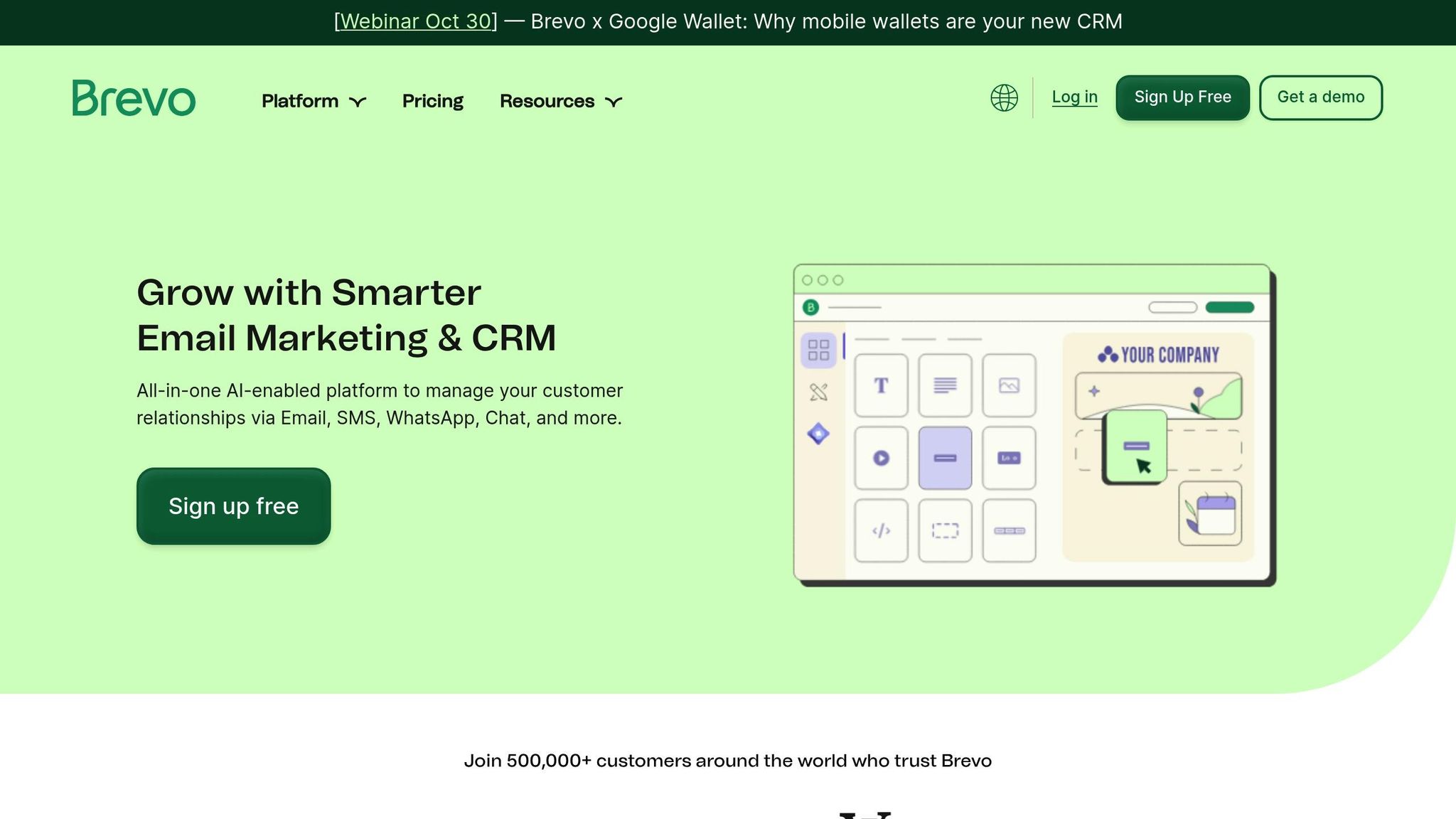
Brevo is an affordable, feature-packed tool that goes beyond email automation. It supports transactional emails, SMS campaigns, and even includes a built-in CRM, making it ideal for businesses that need multiple communication channels.
The free plan allows you to send up to 300 emails daily and includes a workflow editor with triggers like website goals and custom events. Lead scoring is also built in, which helps prioritize prospects [3]. Brevo is a popular choice for online stores, often used for tasks like automated purchase confirmations, shipping updates, and SMS reminders [3].
While Brevo offers excellent value, it has fewer automation templates than some competitors, and adding extra user accounts incurs additional costs. Paid plans start at $29/month for up to 20,000 subscribers [3].
MailerLite
MailerLite is designed with simplicity in mind, offering a user-friendly experience without skimping on essential features. Its workflow editor is straightforward, making it a great choice for beginners. The platform also includes landing page builders and customizable forms, even in its free plan [3].
The free tier supports up to 1,000 subscribers and includes all automation features, making it a favorite among bloggers and small businesses for automating tasks like welcome emails and content updates [3]. Its intuitive interface ensures you can get started in minutes.
However, MailerLite is better suited for basic automation needs. It lacks advanced website tracking and offers limited subscriber management fields compared to more robust tools. Paid plans start at $39/month for 5,000 subscribers, offering scalability as your business grows [3].
HubSpot
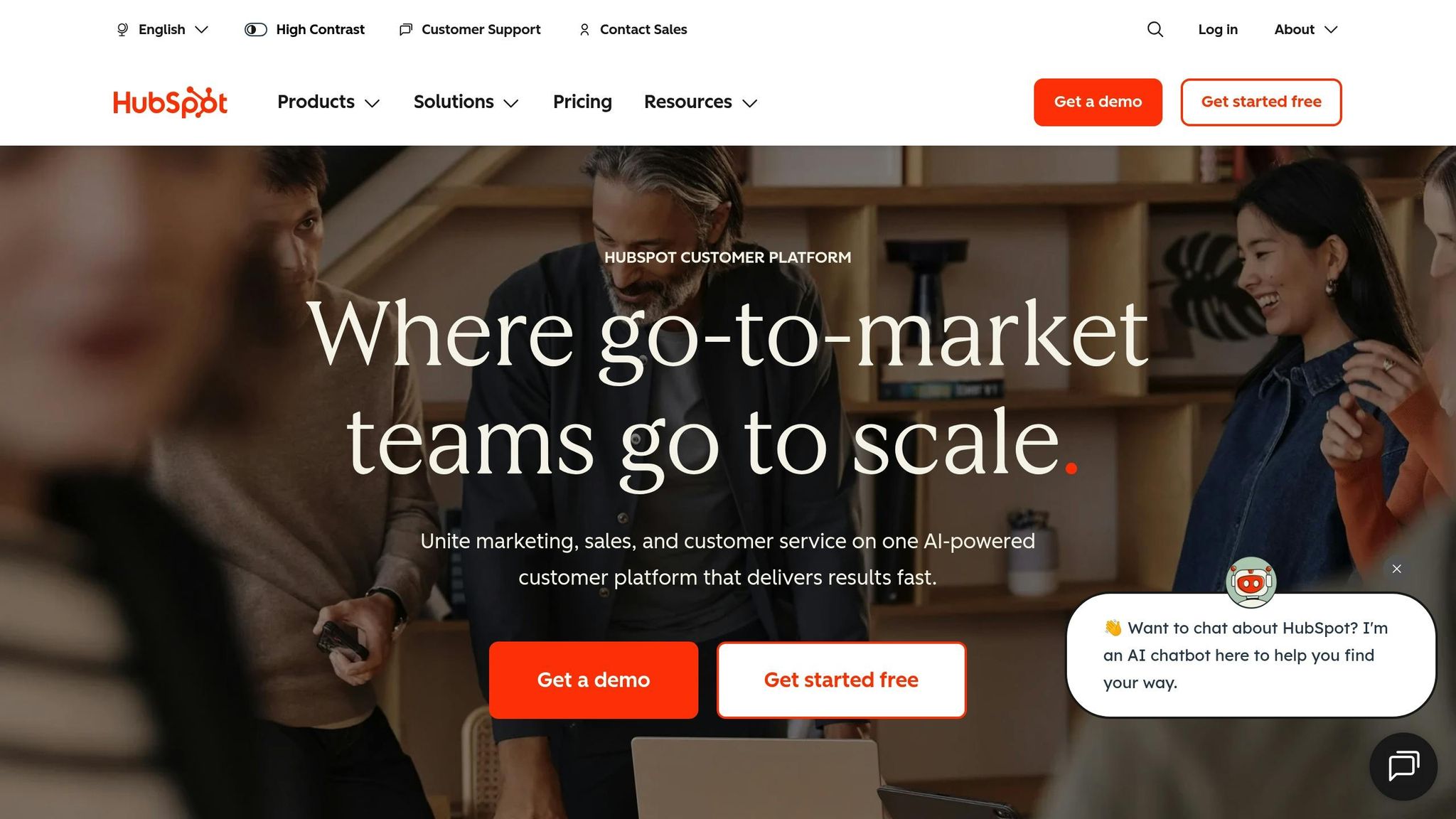
HubSpot takes an all-in-one approach, combining email automation with CRM, sales tools, and marketing analytics. This makes it a valuable option for businesses looking to centralize their marketing and sales efforts [1].
The platform’s visual workflow builder integrates seamlessly with your sales pipeline, enabling email triggers based on deal stages or contact properties. HubSpot shines in providing a complete view of each customer’s journey, from their first website visit to a closed sale.
While the free tools cover basic automation and CRM needs, advanced features require higher-tier subscriptions. Paid plans for the Marketing Hub Starter begin at $20/month, offering a cost-effective entry point for growing businesses.
Klaviyo
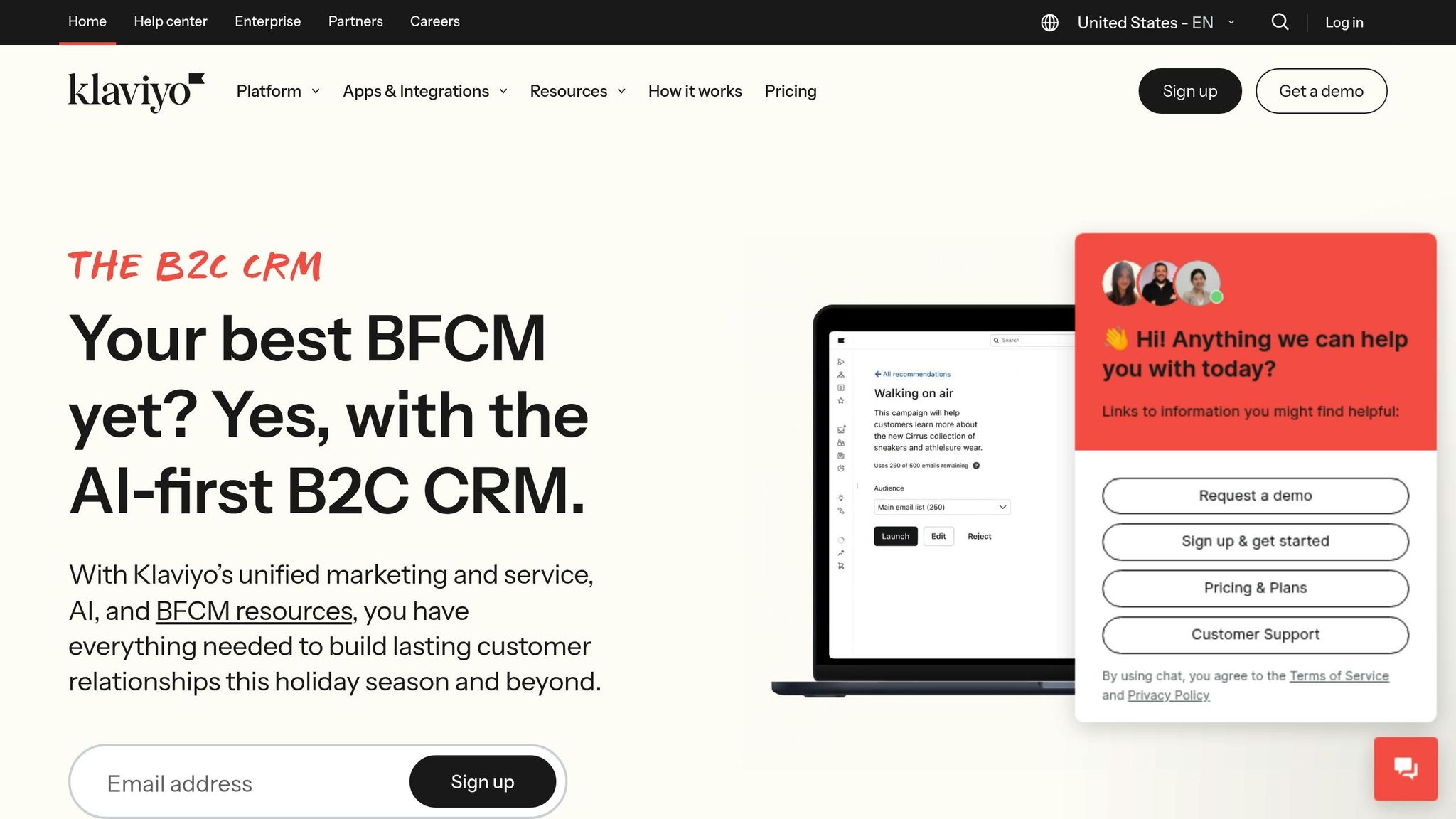
Klaviyo is tailored for ecommerce, offering data-driven personalization that goes beyond standard email sequences. Its predictive analytics can forecast customer lifetime value and automatically segment audiences based on purchase behavior [1].
Ecommerce brands often use Klaviyo for campaigns like abandoned cart recovery and personalized product recommendations [1]. Deep integration with major online store platforms allows it to pull in purchase data, browsing history, and customer preferences, enabling highly targeted campaigns.
The free plan covers up to 250 contacts with core automation features included [1], making it accessible for smaller online stores just starting out. However, costs can escalate quickly as your contact list grows, and its advanced features may not be necessary for businesses outside the ecommerce space.
sbb-itb-dfa823a
Comparison Table of No-Code Email Tools
When choosing a no-code email automation tool, a side-by-side comparison can simplify your decision-making process. Each platform has its own strengths in pricing, features, and usability, catering to different business needs.
| Tool | Free Plan | Starting Price | Best For | Key Strengths | User Experience | Ratings |
|---|---|---|---|---|---|---|
| ActiveCampaign | 14-day trial | $29/month (1,000 contacts) | Advanced automation & CRM | Lead scoring, segmentation, sales pipeline integration | Intermediate to Advanced | 4.5/5 (G2), 4.6/5 (Capterra) [2] |
| Brevo | Yes (300 emails/day) | $29/month (20,000 emails) | Budget-conscious businesses & SMS marketing | Transactional emails, SMS campaigns, built-in CRM | Beginner to Intermediate | Not specified |
| MailerLite | Yes (1,000 subscribers) | $39/month (5,000 subscribers) | Beginners & content creators | Intuitive interface, landing pages, generous free tier | Beginner-friendly | Not specified |
| HubSpot | Limited free tools | $20/month (1,000 contacts) | All-in-one marketing & sales | CRM integration, comprehensive analytics, sales alignment | Intermediate | Not specified |
| Klaviyo | Yes (250 contacts) | $20/month (500 contacts) | Ecommerce brands | Predictive analytics, behavioral triggers, purchase data integration | Intermediate | Not specified |
This table provides a quick snapshot of the tools' key features, pricing, and usability. Below, we’ll explore what makes each platform stand out and how they cater to different business needs.
Pricing and Free Plan Highlights
Pricing is a defining factor when selecting an email tool. Brevo offers a free daily plan, making it appealing for businesses with moderate email needs. MailerLite stands out for its generous free tier, allowing up to 1,000 subscribers, while ActiveCampaign's trial-only approach is ideal for those seeking advanced features to test before committing. HubSpot and Klaviyo share a starting price of $20 per month but serve very different audiences: HubSpot is tailored for businesses needing integrated marketing and sales tools, while Klaviyo focuses on ecommerce brands leveraging data-driven personalization.
User Experience and Target Audience
ActiveCampaign shines in its ratings, with users appreciating its advanced automation and CRM capabilities. While its setup process may require more effort, the long-term benefits often outweigh the initial learning curve.
MailerLite's beginner-friendly design makes it an excellent choice for small teams or content creators who want simplicity without sacrificing functionality. Its intuitive interface and built-in landing pages are perfect for those just starting out.
Brevo's email-based pricing structure is particularly advantageous for organizations that send frequent communications to the same audience, such as newsletters or membership updates. Its combination of transactional emails and SMS marketing makes it versatile for various use cases.
Each tool offers a unique balance of features and pricing, ensuring there’s an option for businesses of all sizes and goals. Whether you're a small content creator, a growing ecommerce brand, or a large organization, these platforms provide solutions tailored to your needs.
How to Choose the Right No-Code Email Automation Tool
Picking the best no-code email automation tool comes down to aligning it with your business goals, growth plans, and integration needs. Here's a guide to help you make the right choice for both your current and future requirements.
Assessing Business Needs
Start by evaluating your subscriber count, campaign objectives, and your team's technical skills [1][3].
If you have a smaller subscriber list, check whether a free plan covers your basic needs [1][3]. However, if your campaigns require features like advanced segmentation, lead scoring, or CRM integration, you might want to consider tools like ActiveCampaign. While it offers powerful features, it also has a steeper learning curve [1][2].
Think about the complexity of your campaigns. For instance:
- E-commerce businesses might benefit from Klaviyo’s predictive analytics and behavioral triggers.
- Content creators and bloggers may find MailerLite’s easy-to-use workflow editor and landing page builder a better fit [1][3].
- Agencies managing multiple clients could find HubSpot’s integrated CRM and marketing automation tools ideal for handling client campaigns efficiently [1].
Also, be honest about your team’s technical expertise. While ActiveCampaign is known for its sophisticated automation, it requires more setup time and technical know-how. Reviews often highlight its steep learning curve but also praise its advanced capabilities once mastered [2][3].
Once you’ve outlined your requirements, consider how well the platform can grow with your business.
Evaluating Scalability and Budget
Your email tool should handle your current subscriber base and scale as your business grows - all without blowing your budget [1][3]. This means looking beyond the initial pricing and understanding how costs might increase as your subscriber count or feature needs expand.
Don’t forget to account for hidden costs. For example, Brevo may charge extra to remove branding or add additional users. These extra expenses can add up, so make sure to include them in your long-term planning [3].
Think ahead to future needs. A simple newsletter tool might work for now, but as your business expands, you may require features like advanced automation, A/B testing, or deeper integrations. Opting for a platform with clear upgrade options and transparent pricing can save you from costly migrations later.
Once you’ve narrowed down your options, it’s time to test them out.
Testing with Free Plans and Trials
Hands-on testing is the best way to avoid choosing a tool that looks great on paper but doesn’t fit your workflow [1][3]. Most platforms offer free plans or trial periods, giving you the chance to explore their features without a financial commitment.
Use these free plans to test the basics. For example:
- Brevo allows up to 300 emails per day on its free plan.
- MailerLite supports up to 1,000 subscribers with access to core automation features [1][3].
These limits are usually enough to create sample campaigns and get a feel for the platform’s interface.
During the trial, try building a sample campaign to see how well the tool integrates with your existing systems, like your CRM, e-commerce platform, or analytics tools [1][3]. For example, HubSpot’s seamless integration with its ecosystem might be a great fit for businesses already using its tools. On the other hand, other platforms may require third-party integrations, which could complicate your workflow [1].
ActiveCampaign’s high user ratings on G2 (4.5/5) and Capterra (4.6/5) reflect its strong features, but these reviews often come from users who invested the time to learn the platform thoroughly [2]. Use your trial to decide if your team is ready for that commitment or if a simpler tool would be more practical.
If you’re also managing a website, consider how the email tool integrates with your website builder. For instance, Lideroo offers a no-code platform with AI-powered website building, SEO tools, and monetization features, which can complement your email marketing efforts seamlessly.
Conclusion
After diving into the features and usability of no-code email automation tools, it’s clear they’ve reshaped how businesses handle campaign management. The platforms we explored - ActiveCampaign, Brevo, MailerLite, HubSpot, and Klaviyo - each offer something distinct. For instance, ActiveCampaign shines with its advanced segmentation options, while MailerLite stands out for its user-friendly design, especially for beginners [1][3].
When choosing a tool, consider how it fits your business's size and goals. Ecommerce brands might find Klaviyo’s predictive analytics indispensable, content creators will appreciate MailerLite’s simplicity, and agencies can leverage HubSpot’s integrated CRM for a seamless workflow [1][3].
Budget and scalability are also important to weigh. Pricing varies across platforms, and while ActiveCampaign boasts impressive ratings - 4.5/5 on G2 and 4.6/5 on Capterra - its robust features come with a steeper learning curve, requiring some time to master [2].
The good news? Many tools offer free plans and trials, making it easier to test before committing. Brevo, for example, lets you send up to 300 emails daily on its free tier, while MailerLite includes full automation for smaller lists [1][3]. These options allow you to explore how well a tool integrates with your existing systems before making a final decision.
As marketing leans more heavily on data, these tools enable teams to craft campaigns that resonate and respond effectively to customer behavior [1]. With no-code automation simplifying workflows and boosting engagement, you can focus on growing your business. Whether you’re just getting started or scaling up, choosing the right email automation tool can set the stage for smarter, more impactful campaigns.
FAQs
What should I look for in a no-code email automation tool for my business?
When choosing a no-code email automation tool, it's important to focus on the features that match your business goals. Pay attention to tools that are simple to use, offer flexible customization, and include automation features that can make managing your campaigns easier. Features like drag-and-drop editors, pre-designed templates, and AI-powered tools can help you save time and boost productivity.
You’ll also want to think about how well the tool integrates with your current systems. Look for options that support user management and offer revenue-generating features such as subscription plans or premium content. These can help you better engage with your audience while creating opportunities to earn income effortlessly.
How do drag-and-drop workflow builders simplify email automation?
Drag-and-drop workflow builders simplify email automation by letting you design and customize workflows visually - no coding required. With an easy-to-use interface, you can map out email sequences, set triggers, and define actions by simply dragging and dropping elements into place.
This method not only saves time but also cuts down on complexity, making campaign management much more straightforward. It’s a great option for those who want to spend more time on strategy and creativity rather than getting bogged down in technical tasks.
What are the advantages of connecting email automation tools with your CRM and analytics platforms?
Integrating email automation tools with your CRM and analytics platforms can take your marketing efforts to a whole new level. When these systems work together, data flows effortlessly between them, allowing you to craft more personalized and targeted email campaigns that align with your customers' behaviors and preferences.
Another perk? You get real-time insights into how your campaigns are performing. Metrics like open rates, click-through rates, and conversions can be tracked right alongside your CRM data, making it easier to see the bigger picture. On top of that, this integration simplifies your workflows by automating repetitive tasks. The result? You save time, minimize errors, and maintain steady, reliable communication with your audience.