

Want your Lideroo website to look professional with a custom domain? Here's how you can set it up in just a few steps:
- Get a Paid Lideroo Plan: Custom domains are available with Starter ($39/month), Pro ($89/month), or Agency ($249/month) plans.
- Buy a Domain: Register a domain name through a registrar like GoDaddy or Namecheap.
- Update DNS Records: Configure your domain's DNS settings with Lideroo's required A, CNAME, and TXT records.
- Verify and Activate: Add your domain in Lideroo's settings, verify ownership, and enable SSL for secure browsing.
Quick Setup Tip: DNS changes can take 24–48 hours to propagate, so plan accordingly.
Follow these steps to connect your custom domain and boost your brand's credibility while improving SEO. Let’s dive into the details!
Related video from YouTube
Domain Selection and Purchase
Choose a domain name that represents your brand effectively. Here's how to pick and register a domain for your Lideroo site.
Picking Your Domain Name
When deciding on a domain name for your Lideroo website, keep these points in mind:
- Brand Alignment: Select a name that clearly ties to your business or main offering.
- Short and Simple: Opt for a name that's easy to remember and avoids unnecessary characters.
Once you've found the right domain, you're ready to register it.
Domain Registration Process
To register a domain for your Lideroo site (available with plans starting at $39/month), follow these steps:
Choose a Domain Registrar
Look at different registrars and compare their pricing, privacy features, and customer support options.Check Domain Availability
Use the registrar's search tool to see if your desired domain name is available.Purchase Your Domain
Select your domain, choose a registration period (1–10 years), and consider adding privacy protection. Complete your purchase.Access DNS Settings
Save your registrar login details so you can update DNS settings when needed.
DNS Setup Guide
After registering your domain, you'll need to configure its DNS settings to connect it to your Lideroo website.
Note: Custom domains are available ONLY with Lideroo's paid plans (Starter, Pro, and Agency). The Free plan does not support custom domains.
Locating Your DNS Settings
To get started, log in to your domain registrar's account and find the DNS management section. Here's where you can usually find it:
- GoDaddy: Domain Settings > DNS Management
- Namecheap: Domain List > Advanced DNS
- Google Domains: DNS > Custom Records
Once you're in the DNS settings, you'll need to add or update specific records to point your domain to Lideroo's servers.
Configuring DNS Records
Set up the following DNS records to connect your domain to Lideroo:
| Record Type | Name/Host | Value/Points To | TTL |
|---|---|---|---|
| A Record | @ | 185.199.108.153 | 3600 |
| CNAME | www | yourdomain.lideroo.com | 3600 |
| TXT | @ | lideroo-site-verification=your-unique-code | 3600 |
Key Notes:
- Replace yourdomain with your actual domain name.
- Keep the TTL (Time To Live) at 3600 seconds unless your registrar requires a different value.
- If you're using email services with your domain, avoid changing existing MX records.
Checking DNS Updates
After updating your DNS records, it may take 24–48 hours for the changes to propagate. To check if the updates have gone through:
- Visit an online DNS checker like DNSChecker.org.
- Enter your domain name.
- Ensure the A record and CNAME values match the ones provided by Lideroo.
While waiting for propagation, you can continue working on your site using the temporary subdomain.
If you face any issues, keep your DNS configuration details handy and reach out to Lideroo's support team for assistance. Once propagation is complete, you can link your domain in Lideroo's settings.
sbb-itb-dfa823a
Linking Domain to Lideroo
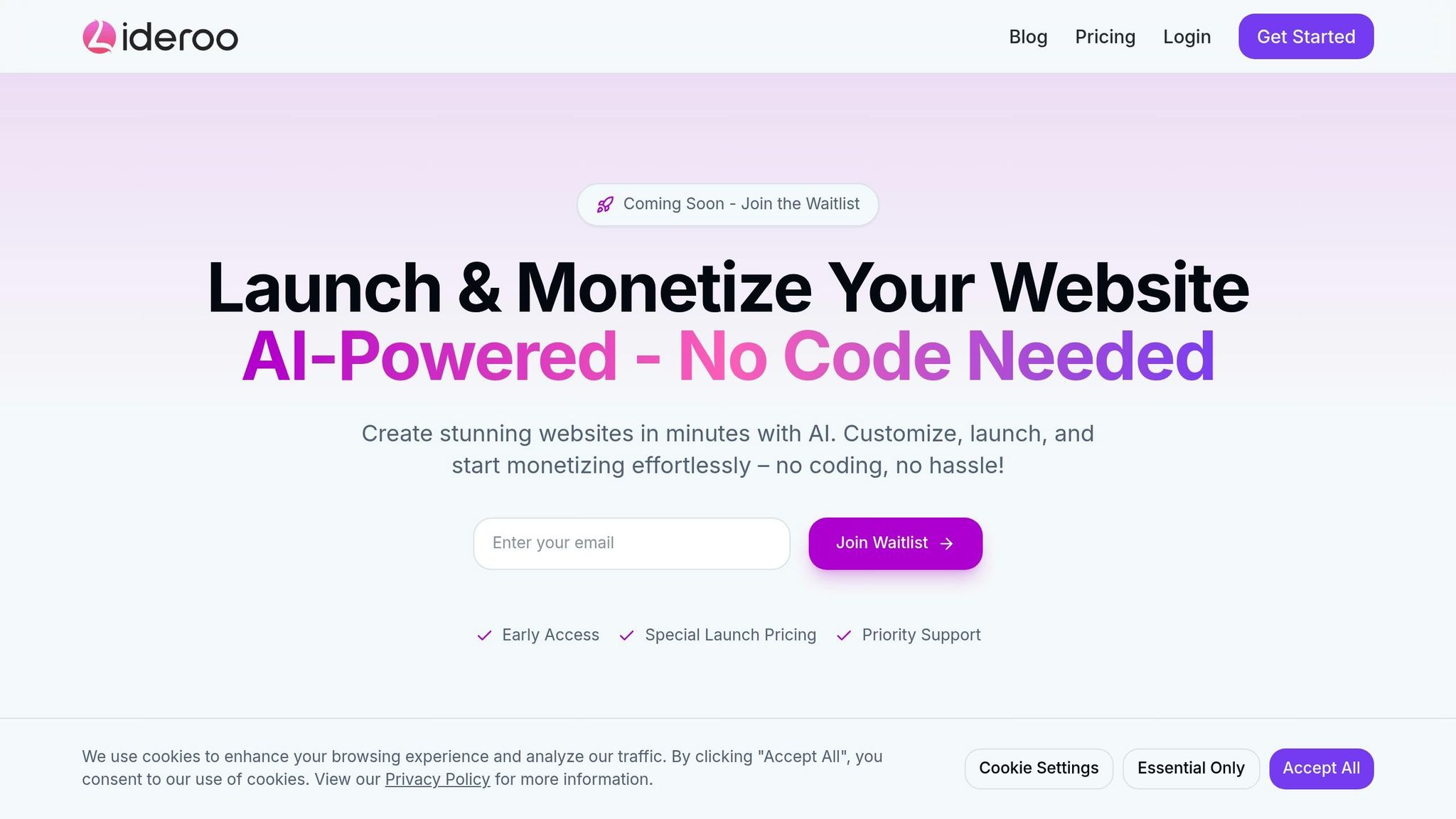
Setting Up Your Domain in Lideroo
Once you've updated your DNS records, it's time to connect your domain through the Lideroo dashboard. Here's how:
- Log in to your Lideroo account.
- Go to Settings > Domains.
- Click the "Add Custom Domain" button.
Keep in mind: Custom domains are available only with a paid Lideroo plan.
Steps for Domain Setup and Verification
Follow these steps to complete the process:
Enter Your Domain Name: Type your full domain name (e.g., "yourbusiness.com"). Be sure to include "www" if you've set up both the root domain and "www" records.
Verify Ownership: Lideroo will automatically check your DNS setup to confirm everything is in place. This includes:
- Verifying that your A record is configured correctly.
- Ensuring your CNAME record is accurate.
- Checking that your TXT record includes the verification code provided.
SSL Certificate Provisioning: Once your domain is verified, Lideroo will generate an SSL certificate for your site. This process usually takes 15–30 minutes. During this time, your domain will show a "Pending SSL" status, but your site will still be accessible via its temporary subdomain.
Domain Activation: After the SSL certificate is ready, your domain will display as "Active" in your settings, marked with a green status indicator.
Tips While You Wait for SSL Activation
- Update your site's navigation links to reflect the custom domain.
- Check your content for hardcoded URLs and update them as needed.
- Prepare any branding elements tied to your domain.
If verification takes longer than an hour, review your DNS records to ensure they match Lideroo's requirements. For ongoing issues, reach out to Lideroo's support team with your domain details. You can also check the troubleshooting section for additional guidance.
Fix Common Domain Issues
After connecting your domain, you might face a few typical challenges. Here's how to tackle them.
SSL Certificate Problems
If you're setting up a custom domain with Lideroo and run into SSL issues, these steps can help:
Certificate Not Generating
- Make sure your paid plan supports custom domains (Starter at $39/month, Pro at $89/month, or Agency at $249/month).
- Double-check your DNS records are configured correctly.
- Verify that domain ownership has been confirmed.
SSL Status Stuck on "Pending"
- Allow up to 30 minutes for the SSL certificate to generate.
- Ensure the A record points to Lideroo's correct IP address.
- Confirm the CNAME record is set up for the
wwwsubdomain.
Domain Connection Errors
Connection issues often stem from incorrect settings. Here's what to look for:
Domain Not Verifying
- Confirm your DNS records align with Lideroo's requirements.
- Check that the domain name is entered correctly in Lideroo's settings.
- Remove any conflicting DNS records that could interfere.
Website Not Loading
- Verify that your domain registration is active.
- Ensure your Lideroo subscription is current.
- Use online tools to confirm DNS propagation has completed.
DNS Update Timing
Understanding how DNS propagation works can save you some frustration during setup:
How Long DNS Changes Take
- Most DNS updates take 24-48 hours to propagate fully.
- In some cases, changes may reflect within 15-30 minutes.
- Rarely, it can take up to 72 hours for updates to finalize.
How to Check Propagation Status
- Online DNS Checkers: Use tools to view DNS records from multiple global locations.
- Browser Testing: Clear your browser cache and test the website on different devices.
- Command Line Tools: Use
digornslookupto inspect DNS records.
If issues persist, reach out to Lideroo support. Their team can help identify any configuration problems and guide you through solutions.
Conclusion
Setup Summary
To connect your custom domain with Lideroo, follow these steps: purchase your domain, set up the appropriate DNS records, and complete the verification process. Once done, your website will be accessible through your custom domain. With this in place, you can shift your attention to improving your site's overall performance.
Next Steps
With your domain successfully linked, it's time to focus on improving SEO, user experience, and monetization strategies to maximize your site's potential.
Improve Your Website's SEO
- Use Lideroo's SEO tools to boost your search rankings.
- Set up automatic meta tags and XML sitemaps.
- Add schema markup to make your content more search-engine friendly.
Refine User Experience
- Add custom branding and simplify access controls.
- Adjust user management settings to suit your audience's needs.
Set Up Monetization
- Offer premium content to your users.
- Configure subscription plans if applicable.
- Use Lideroo's secure payment processing to handle transactions.
Lideroo's AI tools can further streamline your efforts. From smart content creation to automated performance optimization, these features can save you time while keeping your website running smoothly.