

No-code platforms simplify website creation and enable teams to collaborate effectively without needing coding skills. Here's how they enhance teamwork:
- Key Features: Drag-and-drop builders, pre-built templates, SEO tools, role-based access, and monetization options.
- Collaboration Benefits: Simultaneous editing, role-based access, streamlined workflows, and cost-effective plans.
- Real-Time Tools: Live cursor tracking, change notifications, version history, and integrated communication tools like comments and @mentions.
- User Roles: Assign admin, editor, reviewer, or viewer roles to manage permissions and responsibilities.
- Subscription Plans: Options range from free to agency-level plans, supporting teams of any size.
Quick Comparison of Subscription Plans
| Plan Level | Monthly Cost | Team Size Limit | Additional Member Cost |
|---|---|---|---|
| Free | $0 | No collaborators | N/A |
| Starter | $42.90 | 3 collaborators | $2.20/month |
| Pro | $97.90 | 10 collaborators | $2.20/month |
| Agency | $273.90 | Unlimited | Included |
No-code platforms like Lideroo provide scalable solutions, making them ideal for small businesses and growing teams. By leveraging these tools, teams can build websites efficiently while maintaining quality and security.
These 6 No-Code Builders Will Let You Build ANYTHING
Team Workspace Setup
Organize your workspace to encourage smooth collaboration and efficient workflows.
Project Setup and Organization
A well-structured project setup is key to keeping things running smoothly. Use clear hierarchies and descriptive naming conventions to make navigation simple for everyone. Here’s how to get started:
- Create separate workspaces for each project or department.
- Standardize naming conventions to avoid confusion.
- Build template libraries for frequently used elements.
- Set up backups and version control to safeguard your work.
Once your project structure is in place, shift focus to effectively managing your team.
Team Member Management
Managing your team starts with choosing the right subscription plan for your needs. Here's a quick breakdown of the available options:
| Plan Level | Monthly Cost | Team Size Limit | Additional Member Cost |
|---|---|---|---|
| Free | $0 | No collaborators | N/A |
| Starter | $42.90 | 3 collaborators | $2.20/month |
| Pro | $97.90 | 10 collaborators | $2.20/month |
| Agency | $273.90 | Unlimited | Included |
To add team members, follow these steps:
- Send secure invitation links.
- Require strong passwords for account setup.
- Schedule onboarding to familiarize new members with the platform.
- Document access procedures for future reference.
User Roles and Access Control
Setting up proper user roles is essential for securing workflows and keeping everything organized. Role-based access control (RBAC) lets you assign permissions based on specific responsibilities.
Here’s a look at common roles:
| Role | Access Level | Typical Responsibilities |
|---|---|---|
| Admin | Full | Handles platform settings and user management. |
| Editor | Modified | Focuses on content creation and design updates. |
| Reviewer | Limited | Provides feedback and approves content. |
| Viewer | Basic | Can view and comment on content. |
Regularly review and update roles to ensure security and efficient use of resources.
Real-Time Collaboration Tools
Modern no-code platforms come packed with tools that make real-time collaboration seamless, helping teams work together more effectively.
Multi-User Editing
These platforms allow multiple team members to work on the same project at the same time without stepping on each other's toes. Here are some standout features:
- Live cursor tracking: Know exactly where your teammates are working in real time.
- Change notifications: Get instant alerts when updates are made.
- Version history: Keep track of edits and roll back to previous versions if needed.
- Element locking: Automatically prevents others from editing elements you're currently working on.
For example, the Lideroo platform offers different tiers based on team size:
- Starter plan: 3 collaborators for $39/month
- Pro plan: Up to 10 collaborators for $89/month
- Agency plan: Unlimited collaborators for $249/month
Need more team members? Add them for just $2/month each.
But it’s not just about editing - built-in communication tools make teamwork even smoother.
Team Communication Features
Integrated communication tools help teams share feedback and make decisions faster. Here’s what you can expect:
| Feature | Purpose | Benefit |
|---|---|---|
| Comment threads | Discuss specific elements | Keeps feedback focused |
| Change requests | Suggest and review updates | Ensures quality and clarity |
| @mentions | Tag team members | Speeds up responses |
| Activity feeds | Monitor project changes | Keeps everyone in the loop |
If that’s not enough, external integrations can take collaboration to the next level.
External Tool Connections
Most no-code platforms can connect to popular tools, creating a unified workspace:
- Project Management: Sync tasks with tools like Asana, Trello, or Monday.com.
- Communication: Integrate with Slack or Microsoft Teams for quick updates and smoother discussions.
- File Management: Use services like Google Drive or Dropbox to manage and share files effortlessly.
When setting up these integrations, stick to tools your team already knows to avoid unnecessary disruptions. And don’t forget: configure notifications wisely. Too many alerts can overwhelm your team, so focus on what’s truly important.
sbb-itb-dfa823a
Project Management Tools
No-code platforms provide effective tools to help streamline project management tasks and improve collaboration.
Task Management
Here are some key features to make task management more efficient:
| Task Feature | Purpose | Best Practice |
|---|---|---|
| Task Creation | Define project components | Break down large tasks into smaller, actionable steps |
| Assignment | Delegate responsibilities | Match tasks to team members based on their expertise |
| Deadline Setting | Set time constraints | Add buffer time to account for reviews or delays |
| Priority Flags | Indicate urgency | Use a simple system like High, Medium, or Low |
Assigning clear task ownership is critical for success. For instance, Lideroo’s Pro plan ($89/month) supports up to 10 collaborators, making it a good choice for medium-sized teams.
Content Review System
After tasks are assigned, ensure quality by implementing a structured content review process.
1. Role-Based Access Control
Define who can create, edit, and approve content. This ensures proper hierarchy and protects sensitive information.
2. Review Stages
Break down the review process into clear steps:
- Content creation
- Initial review
- Stakeholder approval
- Final publication
3. Feedback Channels
Set up specific channels for reviewers to share feedback and request changes. This minimizes confusion and keeps revisions organized.
A strong review system not only improves content quality but also helps keep the project on track.
Progress Monitoring
Track project progress and team performance using built-in monitoring tools. These insights work in tandem with task management and content review systems.
| Metric Type | What to Track | Why It Matters |
|---|---|---|
| Task Completion | Percentage of completed tasks | Provides a clear view of overall progress |
| Time Management | Hours spent per task | Identifies delays or inefficiencies |
| Team Workload | Tasks per team member | Ensures tasks are evenly distributed |
| Quality Metrics | Revision requests | Tracks the quality of the team’s output |
Use role-based permissions to give team leads the ability to oversee these metrics and ensure everything stays on course.
Team Collaboration Guidelines
Team Roles and Communication
Defining clear roles and establishing structured communication are key to effective teamwork in no-code environments.
Here's a breakdown of common roles and their responsibilities:
| Role Type | Primary Responsibilities | Access Level |
|---|---|---|
| Project Admin | Configuring the platform, managing users | Full system access |
| Content Manager | Creating and reviewing content | Content management tools |
| Designer | Handling visual elements and layouts | Design and asset tools |
| Quality Assurance | Testing and validating projects | Testing environment access |
Many no-code platforms also offer tiered plans that define collaborator limits and access controls, ensuring efficient role management.
Once roles are established, make the most of platform features to simplify daily workflows and improve team efficiency.
Maximizing Platform Features
To fully utilize no-code collaboration tools, focus on built-in features that can boost productivity:
- User Management Integration: Assign roles, set project access levels, define permissions, and customize communication preferences for each team member.
- Workflow Automation: Automate repetitive tasks like approval processes, progress tracking, notifications, and updates to save time.
- Resource Sharing: Centralize design assets, content templates, project documentation, and best practice guides in one accessible system.
These features not only streamline tasks but also ensure smoother collaboration across the team.
Data Security Practices
While improving workflows, protecting data should always be a priority. Balancing accessibility with security is crucial in collaborative environments.
| Security Aspect | How to Implement | Purpose |
|---|---|---|
| Access Control | Set detailed permissions based on roles | Prevent unauthorized access |
| Version Control | Enable automatic version tracking | Avoid data loss and track changes |
| Data Backup | Schedule regular backups | Safeguard against data corruption |
| Activity Monitoring | Track actions by users | Detect and address potential issues |
Regularly reviewing and updating access permissions is essential, especially as roles within the team evolve. Role-based access control systems, which are common in modern no-code platforms, make this process more manageable and secure.
Lideroo Team Features
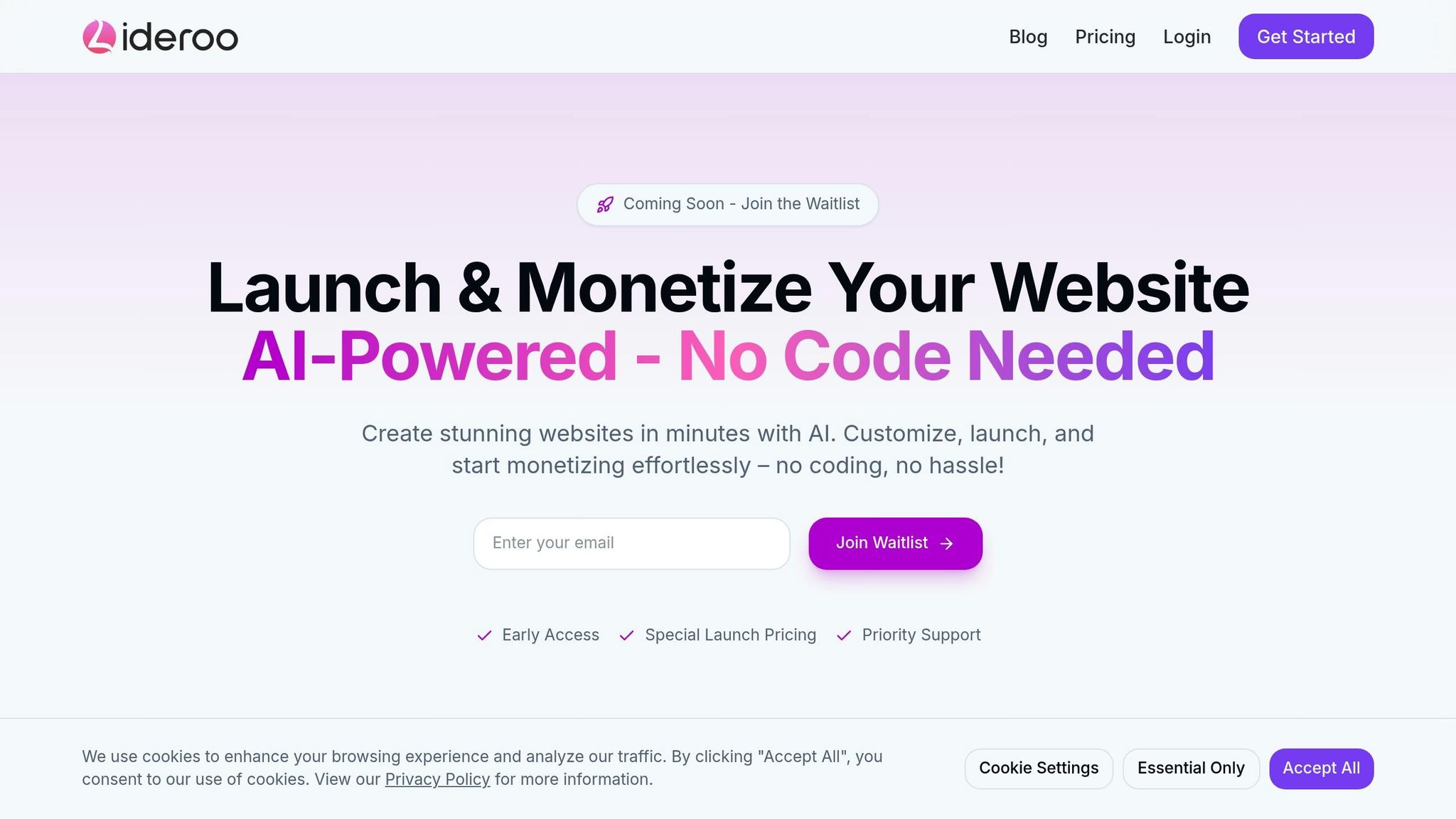
Lideroo brings team collaboration to the forefront with features designed to streamline workflows and enhance productivity.
Lideroo Collaboration Tools
Lideroo simplifies teamwork with user management and role-based access, ensuring both security and organization are at the core of every operation.
| Plan Type | Collaborator Limit | Monthly Cost | Key Features |
|---|---|---|---|
| Starter | 3 team members | $42.99 | Basic role management, shared assets |
| Pro | 10 team members | $97.99 | Advanced permissions, workflow tools |
| Agency | Unlimited | $274.99 | Full team features, custom access controls |
Team Workflow Features
Lideroo's workflow tools help teams stay on track with content creation and website management. Key features include:
- Role-Based Access: Assign permissions for content and asset control with ease.
- Content Management Tools: Streamline content creation and updates across team members.
- Asset Organization: Keep design elements and templates in one centralized location.
Admins can quickly adjust roles and permissions as team needs change, making these tools ideal for both small and growing teams.
Small Business Applications
Lideroo is a practical solution for small businesses aiming to manage their online presence effectively. The Starter plan, priced at $42.99 per month, supports up to three team members and offers an affordable way to get started.
For businesses on the rise, Lideroo's scalable options make it easy to:
- Handle multiple website projects at once.
- Coordinate updates across team members.
- Ensure brand consistency with shared assets.
- Set access levels tailored to specific roles.
The Pro plan, supporting up to 10 team members, is perfect for medium-sized teams needing more advanced collaboration tools.
Summary
Let’s recap the key points about collaboration tools and management practices in no-code platforms.
No-code platforms have transformed website development by making team collaboration more efficient. They allow teams to work seamlessly with features like role-based access controls, real-time editing, centralized asset management, and built-in communication tools.
These platforms address major business challenges by enabling:
- Real-time multi-user editing
- Centralized asset management
- Permission controls for team roles
- Streamlined content workflows
For example, platforms like Lideroo provide scalable collaboration solutions for teams of any size. As teams grow, advanced tools ensure they can handle expanding organizational demands effectively.
To succeed with team collaboration on no-code platforms, focus on:
- Defining roles and managing access
- Organizing assets and optimizing workflows
- Establishing clear communication protocols
- Implementing strong security measures
These practices ensure consistent branding, smooth approval processes, and efficient project delivery. By using these collaborative features wisely, teams can build and manage websites efficiently while maintaining high quality and security standards.