

Reusing templates can save you time, cut costs, and help you make more money from your website. Here's why it works:
Faster Setup: Launch websites in hours, not weeks, by starting with pre-built designs.
Consistency: Keep a unified brand look across all your sites.
Scalability: Easily duplicate successful strategies without extra work.
Built-In Tools: Platforms like Lideroo offer features like drag-and-drop editors, payment systems, and mobile-friendly layouts.
For $49/month, Lideroo's Starter plan gives you everything to monetize your site - premium content, subscriptions, and more. Templates let you focus on growing revenue instead of starting from scratch.
Making Templates in Lideroo
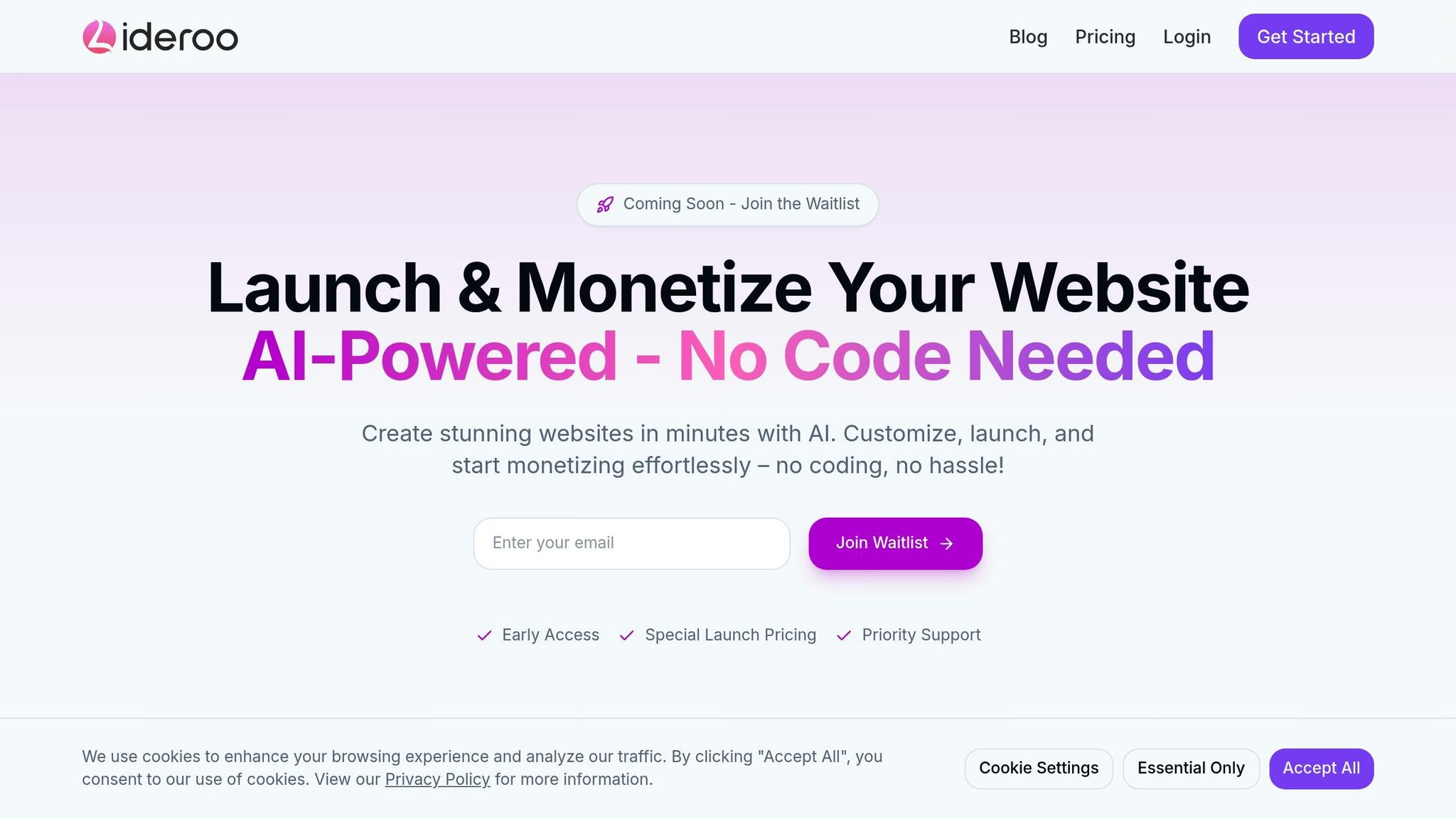
Templates play a key role in saving time and maintaining quality, helping you meet your revenue goals more efficiently.
Setting Up Your First Template
Start by opening Lideroo's drag-and-drop editor to design your base template. Make sure to include these key elements:
Header area: Create a clear and consistent navigation bar that emphasizes premium features.
Content zones: Set up distinct spaces for both free and premium content.
Call-to-action sections: Highlight subscription buttons in prominent areas.
Footer layout: Add trust-building elements like payment security badges and a quick summary of membership benefits.
Save your template with a descriptive name that reflects its purpose, such as "Premium-Content-Base." Once saved, tweak your design to suit specific monetization strategies.
Adjusting Templates for Different Uses
Fine-tune your base template to meet different monetization needs. Two common template types include:
| Template Type | Key Elements | Monetization Focus |
|---|---|---|
| Premium Content | Teaser sections, Preview blocks | Pay-per-article access |
| Membership Portal | Member dashboard | Subscription revenue |
While making adjustments, keep your branding consistent. Lideroo's visual editor lets you modify layouts easily without straying from your original design. Streamlining template management ensures your workflow stays efficient.
Managing Your Templates
To manage your templates effectively, follow these strategies:
Naming Convention
Use clear, descriptive names like "Premium-Blog-Template-V1" that specify the monetization type and include version numbers for easy tracking.Organization Strategy
Categorize templates by revenue model, group variations within their category, and track performance metrics to identify the most successful designs.
Instead of deleting outdated templates, archive them for future reference. This ensures you can revisit past successes when needed. Additionally, use Lideroo's role-based access controls to enable smooth team collaboration and consistent deployment.
Making Money with Templates
Setting Up Paid Content Areas
Design templates that highlight premium content by creating distinct sections to showcase exclusive offerings. Here's what to include:
Preview Sections: Offer enticing snippets to grab attention and encourage visitors to subscribe.
Access Gates: Set up clear payment walls that emphasize the perks of membership.
Visual Cues: Use markers like badges or locks to clearly indicate exclusive content.
Once these elements are in place, focus on creating subscription pages to drive conversions.
Building Subscription Pages
A well-designed subscription page is key to turning visitors into paying members. Include these components:
| Component | Purpose | Key Features |
|---|---|---|
| Pricing Table | Showcase subscription tiers | Clear pricing and easy feature comparisons |
| Payment Form | Enable smooth transactions | Multiple payment methods and secure checkout |
| Benefits Section | Highlight membership perks | Feature-rich descriptions and testimonials |
| Trial Offer | Reduce signup hesitation | Risk-free trial period with immediate access |
If you're using Lideroo, their Starter plan ($49/month) and above offers built-in monetization tools. These tools seamlessly integrate with your templates to handle payments and manage access without extra hassle.
Creating Multi-Level Member Access
Develop a membership structure with role-based templates, tailoring each tier to its specific audience. Here's how you can approach it:
Basic Membership Template: Introduce users to premium features with an entry-level design. Include teasers of higher-tier content to encourage upgrades.
Premium Membership Template: Offer an upgraded experience with advanced features and exclusive content areas. Use dedicated sections to emphasize member-only benefits.
VIP Membership Template: Create a top-tier design with premium features like priority access, exclusive content, and personalized elements to justify the higher price.
Lideroo's Pro plan ($89/month) includes advanced user management tools, making it easy to set up and control access for these various membership levels.
sbb-itb-dfa823a
Improving Templates for Better Sales
Page Layouts That Drive Conversions
Design templates that encourage action by using Lideroo's drag-and-drop editor to organize critical elements like calls-to-action, key benefits, and pricing or subscription details. Position these components prominently to create a clear visual flow that naturally leads visitors to take the next step.
Experimenting with Template Designs
Try out various layouts to discover which designs perform best. With Lideroo's template system, you can tweak your designs and track important metrics like click-through rates and subscription sign-ups. Plus, its built-in SEO tools help ensure your site remains visible in search results as you refine your templates. Adjusting layouts also improves the experience for mobile users.
Optimizing Templates for Mobile Users
A mobile-friendly design is crucial for engaging users on any device. Use Lideroo's mobile preview tool to fine-tune responsive layouts, simplify navigation, and ensure key elements like pricing are easy to find. Compress images and eliminate unnecessary content to keep load times fast and maintain user engagement.
Combining effective layouts, continuous testing, and mobile optimization can help you boost conversions and increase your website's revenue.
Growing Your Business with Templates
Lideroo's template system makes launching multiple monetized websites simple and efficient, giving you a faster path to growth.
Launch Money-Making Sites Quickly
Lideroo's pre-built templates let you set up monetized sites in no time. With the platform's drag-and-drop editor, you can easily customize layouts while keeping a professional look.
Here’s what you get:
Less time spent on development
Layouts optimized for SEO and monetization
Built-in tools for generating revenue
This approach allows you to expand quickly while delivering a consistent experience across your brand.
Maintain a Consistent Brand Look
Once your sites are up and running, keeping a unified brand appearance is essential. Templates help ensure consistent design elements across all your websites, including:
Logo placement
Color schemes
Fonts
Navigation menus
Footer details
By creating a master template with these core elements, you can guarantee a uniform design across every site. This not only strengthens your brand identity but also simplifies management and reduces expenses.
Save Time and Cut Costs
Templates don’t just speed up the process - they also save you money. Reusing templates lowers development and maintenance costs, helping you launch sites faster and allocate resources where they’re needed most.
Conclusion: Leveraging Templates in Lideroo
Templates in Lideroo aren't just design shortcuts - they're practical tools to help increase your website's revenue. They simplify the process of monetizing your site, saving you both time and effort.
Instead of starting from scratch, templates let you quickly set up features like premium content areas or subscription plans, making it easier to create multiple income streams.
Lideroo combines user management with monetization tools, allowing you to manage content access, set subscription tiers, and customize payment options - all in one place.
With the Starter plan priced at $49/month and the Pro plan at $89/month, you gain access to monetization tools that can replace expensive custom development. Plus, you can tailor templates to fit your strategy while keeping your branding consistent, offering a polished experience that boosts conversions and supports ongoing revenue.