

AI is changing how no-code website builders handle responsive design. Instead of manual adjustments and rigid templates, AI tools like Lideroo automatically optimize layouts, resize content, and ensure designs look great on any device. Here's what you need to know:
Automatic Layouts: AI adjusts content for desktops, tablets, and phones without manual breakpoints.
Dynamic Resizing: Images, text, and menus scale automatically to fit each screen.
Built-In SEO: AI improves search rankings with auto-generated meta tags and sitemaps.
Time-Saving: No more hours spent testing and tweaking layouts.
Monetization Tools: Features like subscription management adapt seamlessly across devices.
Quick Comparison
| Feature | Standard No-Code Tools | AI-Powered Tools |
|---|---|---|
| Layout Adjustment | Manual configuration | Automatic optimization |
| Content Resizing | Fixed, breakpoint-based | Context-aware dynamic resizing |
| SEO Implementation | Basic manual tools | Automated meta tags and sitemaps |
| Cross-Device Testing | Requires manual testing | Automated compatibility checks |
AI-driven tools like Lideroo simplify responsive design, making it faster and easier to create professional websites.
1. Lideroo Features
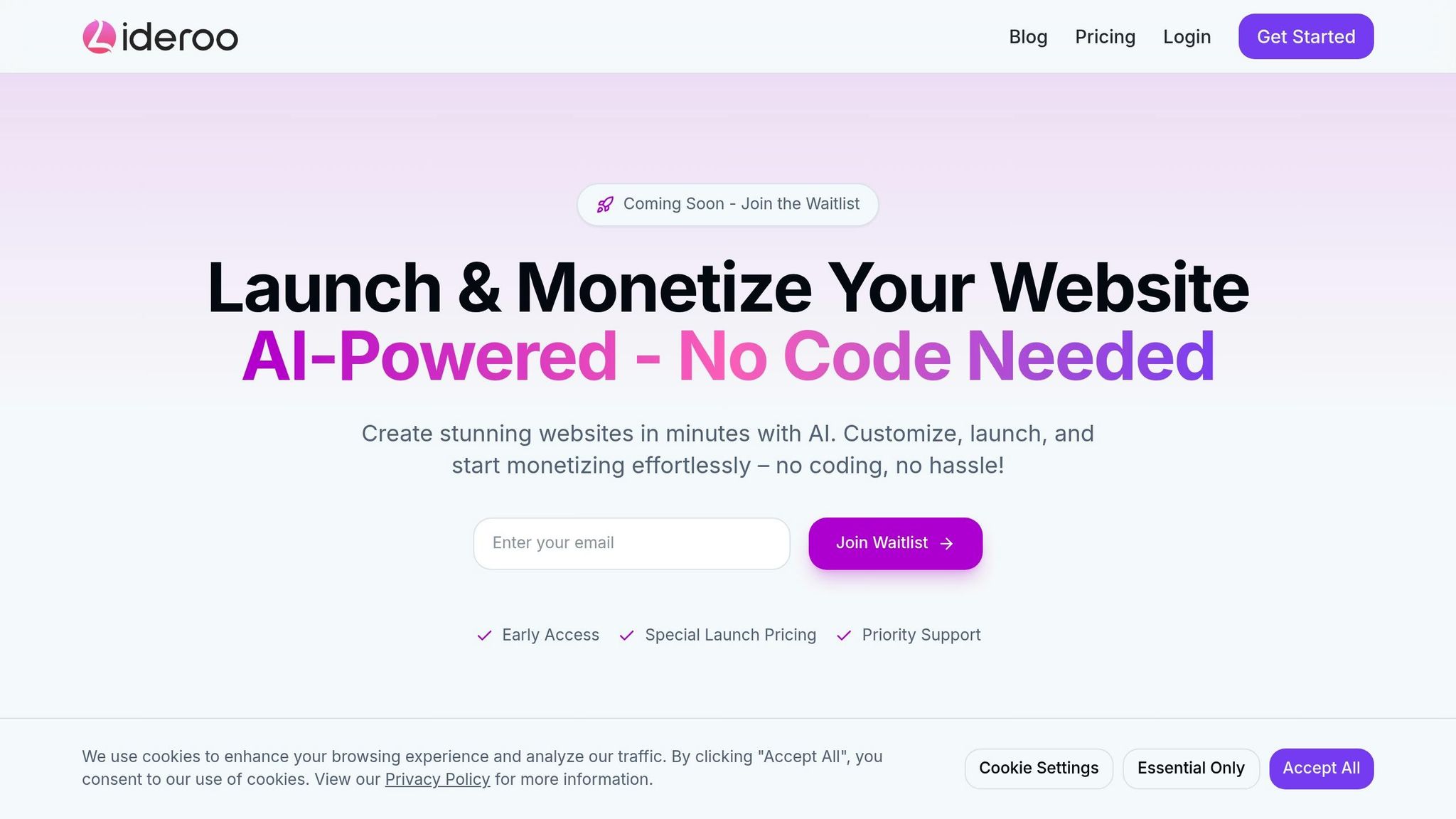
Lideroo is a no-code website builder that leverages AI to create responsive designs effortlessly.
Here’s what makes Lideroo stand out:
Auto-Optimized Layouts: Automatically adjusts your content to ensure a clear and visually appealing hierarchy on any device.
Dynamic Asset Management: Balances image quality and loading speed. Free users get automatic image compression, while premium plans offer advanced options for even better performance.
Flexible Performance Plans: Choose from free, Starter ($39/month), Pro ($89/month), or Agency ($249/month) plans, each tailored to handle traffic at different scales.
These tools elevate Lideroo beyond standard no-code platforms, offering users a smarter, AI-driven experience.
sbb-itb-dfa823a
2. Basic No-Code Tools
Traditional no-code platforms offer basic tools for responsive design, relying on manual setups and fixed templates. These methods often require extra effort and can lead to inconsistencies, paving the way for AI-driven solutions.
Key Features of Standard No-Code Platforms
Most no-code builders rely on three main features for creating responsive designs:
Drag-and-Drop Editors
These tools allow users to visually arrange layouts. However, adjusting designs for different screen sizes - like desktop, tablet, and mobile - requires manual tweaks, which can lead to inconsistencies.Pre-Built Templates
Many platforms provide responsive templates to ensure mobile compatibility. While helpful, these templates often lack flexibility for creating more complex layouts.Visual Customization Tools
Users can fine-tune designs using breakpoint settings, resizing options, and grid systems. Even so, achieving a polished, consistent look across devices demands a lot of manual effort.
| Feature | Standard No-Code Tools | AI-Powered No-Code Builders |
|---|---|---|
| Layout Adjustment | Manual configuration across devices | Automatic optimization through AI |
The need for constant testing and adjustments makes these traditional methods less efficient. This highlights the growing demand for AI-powered tools, which simplify responsive design with features like automatic layout optimization.
Key Differences: AI vs. Standard Tools
AI has reshaped how no-code builders handle responsive design, offering a more advanced and efficient experience compared to traditional tools. Here's a closer look at how AI changes the game.
Automated Layout Optimization
Platforms like Lideroo use AI to analyze your content and automatically adjust layouts for any screen size. This eliminates guesswork and ensures your design looks great everywhere.
Smart Content Adaptation
Unlike standard no-code tools that rely on manual formatting for different devices, AI-powered builders handle it for you. They automatically adjust elements like text size, image dimensions, navigation menus, and content order to fit each screen seamlessly.
Feature Comparison: AI vs. Standard Tools
| Feature | Standard No-Code Tools | AI-Powered Tools |
|---|---|---|
| Content Adaptation | Fixed, breakpoint-based | Dynamic, context-aware adjustments |
| SEO Implementation | Basic manual tools | Automated meta tags, sitemaps, and schema markup |
Smarter SEO Integration
AI doesn't stop at design - it also improves SEO. Tools like Lideroo can generate meta descriptions, create XML sitemaps, and add schema markup automatically. They even suggest better ways to structure your content for search engines.
Saving Time and Resources
Traditional no-code tools can require hours of tweaking to ensure responsive designs work properly. AI-powered platforms handle much of this automatically, letting creators focus on content rather than technical adjustments.
Built-In Monetization Features
AI tools don’t just simplify design - they also help you earn. For instance, Lideroo includes tools for managing premium content and subscriptions. These features adapt to different devices automatically, making it easier to generate revenue without added hassle.
Conclusion
AI has reshaped how responsive design works in no-code website builders. Tools like Lideroo make building websites faster and more efficient compared to older methods.
Here’s how AI is making a difference:
Saves Time: AI reduces the need for manual layout tweaks, allowing creators to spend more time on crafting content.
Smarter Design: Automatic optimization ensures designs look great and function well across all devices.
Built-In Monetization: With features like premium content and subscription options, Lideroo helps creators generate revenue directly from their websites.
As machine learning continues to evolve, we can expect even more intuitive and professional-grade design tools, making web development accessible to everyone, no matter their experience level.