
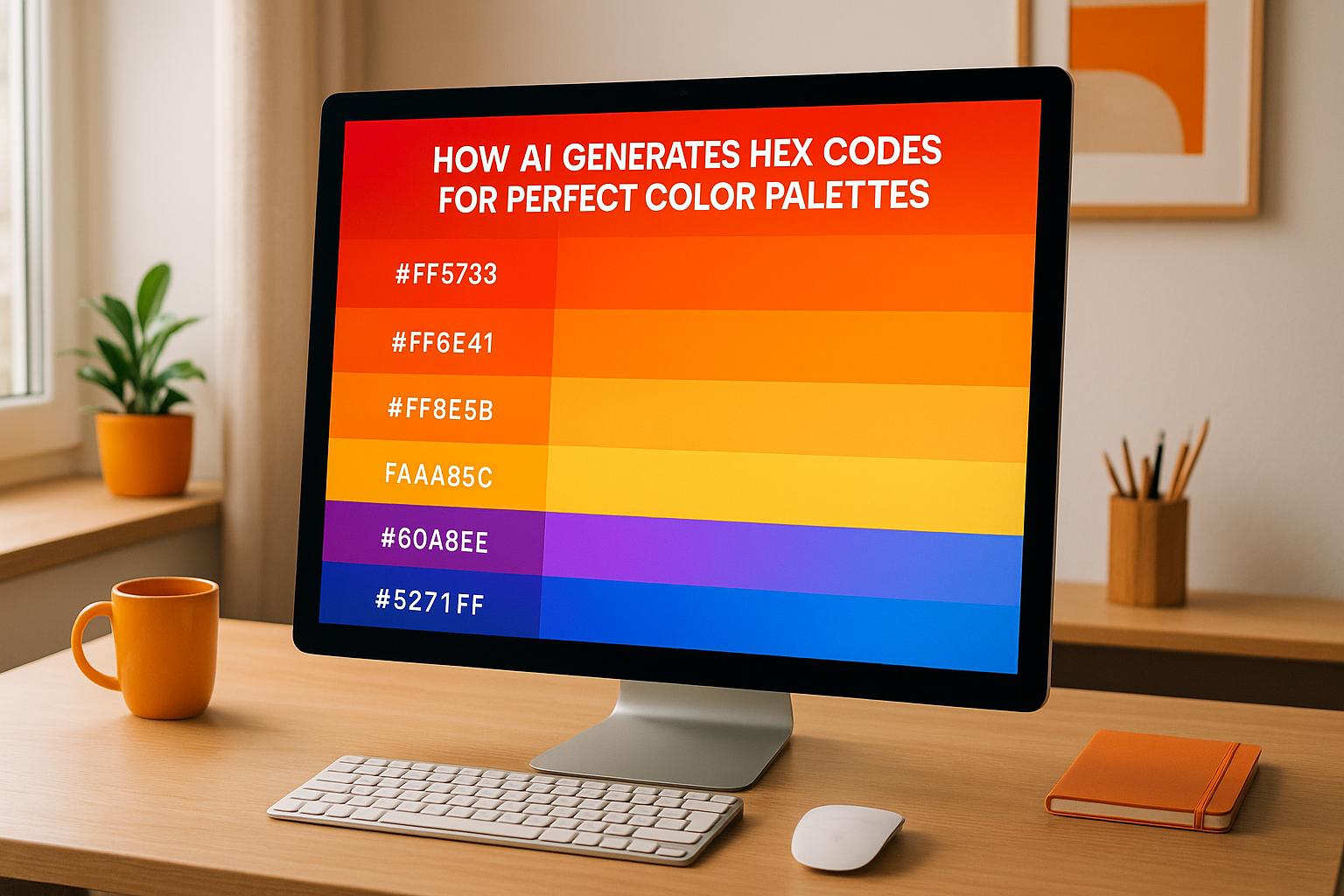
AI-powered tools are transforming how designers create color palettes by generating hex codes that align with color theory and accessibility standards. These tools analyze images, text prompts, or existing colors to suggest harmonious combinations. Designers can save time and deliver consistent, ADA-compliant designs suitable for branding, websites, and digital media.
Key Points:
- Hex Codes: Six-character codes (e.g., #FF5733) representing RGB values for consistent digital colors.
- AI Inputs: Tools accept images, keywords, or single hex codes to generate palettes.
- Accessibility: Features like WCAG contrast checks ensure readability for users with disabilities.
- Popular Tools: Examples include Khroma, Colormind, and ColorMagic, which use machine learning to suggest effective palettes.
- Export Options: Hex codes, CSS variables, and other formats integrate seamlessly into design workflows.
AI simplifies color selection, making it faster and more precise while ensuring designs meet both aesthetic and functional needs.
Khroma Walkthrough: Master Color Palette Creation with AI

How AI Algorithms Generate Hex Codes
AI has become a game-changer in design, especially when it comes to creating precise hex codes for color palettes. These algorithms don’t just guess at random - they analyze massive datasets of proven color combinations to understand what makes palettes visually appealing and harmonious. Let’s break down the methods behind these tools and how they work.
AI Techniques for Crafting Color Palettes
AI tools rely on machine learning and neural networks to study patterns in color harmony and contrast. By analyzing thousands of human-created palettes, these systems learn what works and why. For instance:
- Khroma uses a neural network trained on thousands of popular palettes to generate combinations tailored to user preferences[5].
- Colormind leverages deep learning to predict how colors interact visually and emotionally, creating balanced schemes from user inputs[3].
The scale of their training is impressive. Khroma’s neural network has absorbed insights from thousands of widely loved palettes found online[5]. On the other hand, ColorMagic boasts over 4 million palettes generated and a growing base of 800,000+ designers who rely on their platform as of 2024[1]. This extensive learning process enables AI tools to suggest color combinations that feel both natural and professionally curated.
How AI Tools Accept Inputs
AI-powered color tools are incredibly flexible when it comes to inputs. They can work with hex codes, images, themes, or even text prompts, depending on the project. For example:
- ColorMagic lets users input keywords, brand names, or upload images to generate palettes. Type in “sunset,” and you’ll get a mix of warm oranges and purples. Upload a company logo, and the tool extracts a brand-consistent color scheme[1].
- Text prompts like “minimalist tech startup” or “cozy coffee shop” result in context-appropriate palettes.
- Tools like Figma and ColorKit allow users to start with a single hex code and expand outward, generating cohesive schemes from a single color[6][7].
These tools are designed to maintain visual coherence, no matter the input. By analyzing dominant colors and understanding context, they ensure the resulting palettes align with both aesthetic and functional design needs.
Ensuring Accessibility and Compliance with U.S. Standards
Accessibility is a key focus for AI color tools, particularly in meeting ADA and WCAG standards. Features like contrast ratio checks are built into these systems to help designers create inclusive designs:
- Khroma provides WCAG accessibility ratings for each color pair, ensuring text and background combinations are readable for all users[5].
- ColorKit includes tools to check contrast ratios and tweak palettes during the creation process to meet accessibility requirements[7].
Step-by-Step Guide to Expanding a Hex Code Palette with AI Tools
Building a full color palette from a single starting point is now a breeze, thanks to AI-powered tools. Whether you're starting with a specific brand color, drawing inspiration from an image, or working off a creative idea, these tools can quickly turn your input into a polished palette.
Adding Initial Colors or Prompts
AI tools offer several ways to kick off your palette, each tailored to different creative needs.
- Hex code input: If you have a specific hex code, like #3498db (a rich blue), you can use it as your foundation. The AI will generate complementary colors that naturally work with your base color [1].
- Image-based generation: Upload an image - whether it’s a sunset, your logo, or another source of inspiration - and the AI will extract key colors, creating a palette based on dominant and accent shades.
- Keyword or theme prompts: If you’re working conceptually, try entering prompts like "luxury brand" or "minimalist tech startup." AI tools use their vast database of palettes to suggest colors that align with your chosen theme [1].
Platforms like ColorMagic, which has generated over 4 million palettes and is used by more than 800,000 designers, are particularly skilled at associating specific color combinations with industries and styles [1]. Your choice of input - whether hex codes, images, or themes - will shape the final palette. Hex codes ensure precise brand alignment, images reflect authentic color relationships, and themes tap into established design aesthetics.
Creating and Refining Palettes
Once your starting point is set, the AI uses advanced color theory algorithms to refine your palette. These algorithms suggest various combinations, such as complementary, analogous, triadic, or split-complementary palettes [9].
- Color locking: This feature is especially helpful for maintaining consistency. Lock your key brand colors or any shades you want to keep, and let the AI adjust the rest. Experimenting with different locked positions can influence the final look and feel of your palette [3].
- Real-time adjustments: Tools like Khroma and Colormind allow you to tweak colors on the fly. You can adjust hue, saturation, and lightness using sliders, shuffle unlocked colors, or regenerate specific parts of the palette until it feels just right [6].
Accessibility is another crucial step in the process. Khroma, for example, provides WCAG accessibility ratings, helping you ensure that text and background color pairs meet readability standards [5]. This is especially important for U.S.-based web projects, where ADA compliance is often required.
Many tools also offer context previews, letting you see how your palette will look in real-world applications like typography, gradients, or sample designs. These previews can reveal potential issues before you finalize your choices [6].
Exporting and Applying Palettes
Once your palette is ready, exporting it in the right format ensures smooth integration into your design workflow. Most tools support a variety of export options:
- Standard formats: These include hex code lists, CSS variables, SVG files, .ASE files (for Adobe Creative Suite), plain text hex lists, and CSS snippets for web projects [6] [4]. Platforms like ColorKit and Figma also allow direct palette imports [7].
- Web-specific exports: For web design, CSS variable exports are particularly useful. They organize colors with semantic names like
--primary-coloror--accent-color, making it easy to maintain consistency across your site [6].
If you’re using no-code website builders like Lideroo, the process is even simpler. Just import your hex codes into the design customization panel, where you can assign colors to primary, secondary, and accent slots. Lideroo’s AI ensures your palette remains cohesive across all site elements, from buttons to navigation [8].
Finally, preview your palette across different devices and screen sizes to confirm it delivers the desired impact. Consistent branding and accessible design are key for U.S. audiences, so take the time to verify that your palette works seamlessly across all touchpoints before launching.
sbb-itb-dfa823a
Adding AI-Generated Hex Code Palettes to No-Code Website Builders
Once you've created the perfect AI-generated color palette, the next step is to bring it to life on your website. No-code platforms like Lideroo make it easy to transform your hex codes into a visually appealing design - no coding required.
Using Lideroo to Import and Apply Hex Code Palettes
Lideroo's AI Theme Generation feature simplifies the process of integrating your palette. It automatically drafts an initial design structure with base color schemes tailored to your project description [8]. However, you can easily swap these defaults for your custom AI-generated palette.
Start by navigating to Lideroo's visual editor. Here, you can enter your hex codes directly into the customization panel. Simply copy the hex codes from your chosen tool and assign them to the appropriate slots for primary, secondary, accent, and background colors. Lideroo accepts standard hex formats (like #3498db) and instantly applies your selections across the entire site.
One standout feature of Lideroo is its real-time preview. This allows you to see how each hex code affects your site's design - from navigation menus to buttons and content - immediately after making changes.
Lideroo also offers AI-assisted design adjustments, ensuring your palette integrates seamlessly with typography, spacing, and layout [8]. This means your carefully selected colors will harmonize with other design elements, eliminating any visual clashes.
For directory websites and blogs - Lideroo's specialty - the platform provides advanced options for applying your palette. You can assign specific colors to content categories, user interface elements, or call-to-action buttons. The drag-and-drop editor lets you experiment with color placement without needing technical expertise, giving you full creative control to achieve a balanced, audience-friendly design.
Once your palette is integrated, you can fine-tune it further to meet U.S. accessibility and design preferences.
Adjusting Palettes for U.S. Audiences
To ensure your palette resonates with U.S. users, focus on accessibility and local design norms. Lideroo includes built-in tools to confirm your palette meets these standards before your site goes live.
While AI tools like Khroma offer WCAG accessibility ratings during palette creation [5], it's a good idea to double-check contrast ratios within Lideroo's preview environment. Text-to-background combinations should meet contrast standards - typically 4.5:1 for normal text and 3:1 for large text - to ensure readability.
Color associations can also vary based on audience expectations. In the U.S., blue often conveys trust and reliability, making it ideal for financial websites. Red suggests urgency, making it effective for alerts or sale notifications. Green is commonly used for success messages or eco-friendly branding. Lideroo's preview feature allows you to test how these color meanings fit within your content.
Additionally, verify that your colors align with U.S. conventions for pricing (using the $ symbol), date formats (MM/DD/YYYY), and measurements (feet, inches, Fahrenheit).
The platform's responsive preview ensures your palette looks great across different screen sizes. Because U.S. users access websites from a variety of devices, it's crucial to test how your colors perform on everything from desktops to smartphones. Colors that work well on a large screen might create readability issues on smaller devices, so thorough testing is essential.
Lastly, Lideroo's monetization tools benefit greatly from a well-designed palette. Premium content areas, subscription prompts, and payment buttons rely on clear visual hierarchy to drive user engagement. Your AI-generated palette should enhance these elements while maintaining an overall cohesive design for your site.
Conclusion: How AI Improves Design Workflows
AI advancements are transforming design workflows, making the creative process faster and more efficient. Tools that generate hex code palettes, for instance, simplify color selection for designers and website builders, allowing them to produce professional-quality designs in less time. A great example is ColorMagic, which has created over 4 million palettes for more than 800,000 users[1]. According to Adobe's 2023 Color Trends Report, 65% of U.S. designers say AI-powered tools have cut their design time by at least 30%[4].
These tools offer more than just time savings. They take the guesswork out of creating visually appealing and accessible color schemes. By automatically generating palettes that meet accessibility standards, AI ensures designs are both attractive and inclusive. Platforms like Lideroo make these tools accessible even to users without design expertise, enabling them to craft websites that look polished and meet U.S. accessibility requirements.
Key Takeaways
AI-generated hex code palettes bring major benefits to the design process, particularly by streamlining workflows and ensuring compliance with accessibility standards. Designers no longer need to spend hours fine-tuning color combinations; they can generate cohesive palettes in seconds using inputs like keywords, images, or existing brand colors[1][2][3].
These tools also enhance consistency and scalability for teams of any size. AI-generated palettes can be shared, adjusted, and applied across multiple projects, making it easier to maintain brand consistency and support collaborative efforts[3][6]. For businesses using no-code platforms like Lideroo, this means projects that once took weeks can now be completed in hours - without sacrificing quality.
Next Steps for Designers and Website Builders
With the tools and techniques outlined above, designers can seize new opportunities in the evolving AI landscape. The AI design tools market is projected to grow at a 24% CAGR from 2023 to 2028, signaling even greater integration of these technologies into everyday workflows. To stay ahead, designers and website builders should start experimenting with AI-powered color palette generators like ColorMagic, Huemint, or Colormind[1][2][3].
Try incorporating these tools into your current projects. Upload brand imagery or use keywords tied to your audience to see how AI interprets your creative vision. Check for export options that align with your preferred platforms to ensure smooth integration.
For no-code builders like Lideroo, AI-generated palettes are a game-changer, offering quick and accessible design solutions. This combination of AI-driven palette creation and user-friendly website building is paving the way for a new era of accessible and professional web design.
Stay informed about accessibility guidelines and emerging design trends in the U.S. While AI handles technical tasks like color harmony and contrast, human oversight is still crucial for ensuring designs align with cultural nuances and brand identity. The best results come from designers who use AI as a tool to enhance their creativity while keeping control of the final output.
The benefits are clear: faster palette creation, seamless integration with design platforms, and professional results for users of all skill levels. As these tools continue to evolve, they will become indispensable for crafting engaging, accessible websites that resonate with U.S. audiences.
FAQs
How do AI-generated color palettes meet accessibility standards like WCAG?
AI-generated color palettes play a key role in making designs more accessible by adhering to the Web Content Accessibility Guidelines (WCAG). These tools analyze color contrast ratios to ensure that text and background combinations meet the minimum readability standards, making content easier to access for individuals with visual impairments.
Many AI tools also come equipped with features that identify non-compliant color combinations and recommend alternatives that align with WCAG standards. This simplifies the process for designers, allowing them to craft visually appealing and inclusive color schemes without the need for time-consuming manual checks.
What are the benefits of using AI to create hex color palettes?
AI tools bring a fresh perspective to creating hex color palettes, offering benefits that go beyond traditional methods. By processing massive datasets and using advanced algorithms, these tools generate color combinations that are not only visually cohesive but also tailored to specific themes or user preferences. This streamlines the design process and ensures consistent results, saving both time and effort for designers.
What’s more, AI can introduce unexpected and imaginative color pairings that designers might not think of on their own, opening the door to more creative possibilities. With features that allow for quick adjustments and palette expansions, AI-powered tools make it easier than ever to pinpoint the ideal colors for any project.
How can I use AI-generated color palettes to enhance my website design?
If you’re looking to integrate AI-generated color palettes into your website without breaking a sweat, a no-code platform like Lideroo is a fantastic option. Its user-friendly tools let you apply these palettes across your site with ease, ensuring your design looks polished and consistent.
What makes Lideroo stand out is its AI-powered customization features. You can effortlessly tweak your site’s color scheme to match your brand’s personality, all while keeping a sleek, professional appearance. And the best part? No coding skills are needed - so you can focus entirely on building a beautiful, easy-to-navigate website.