
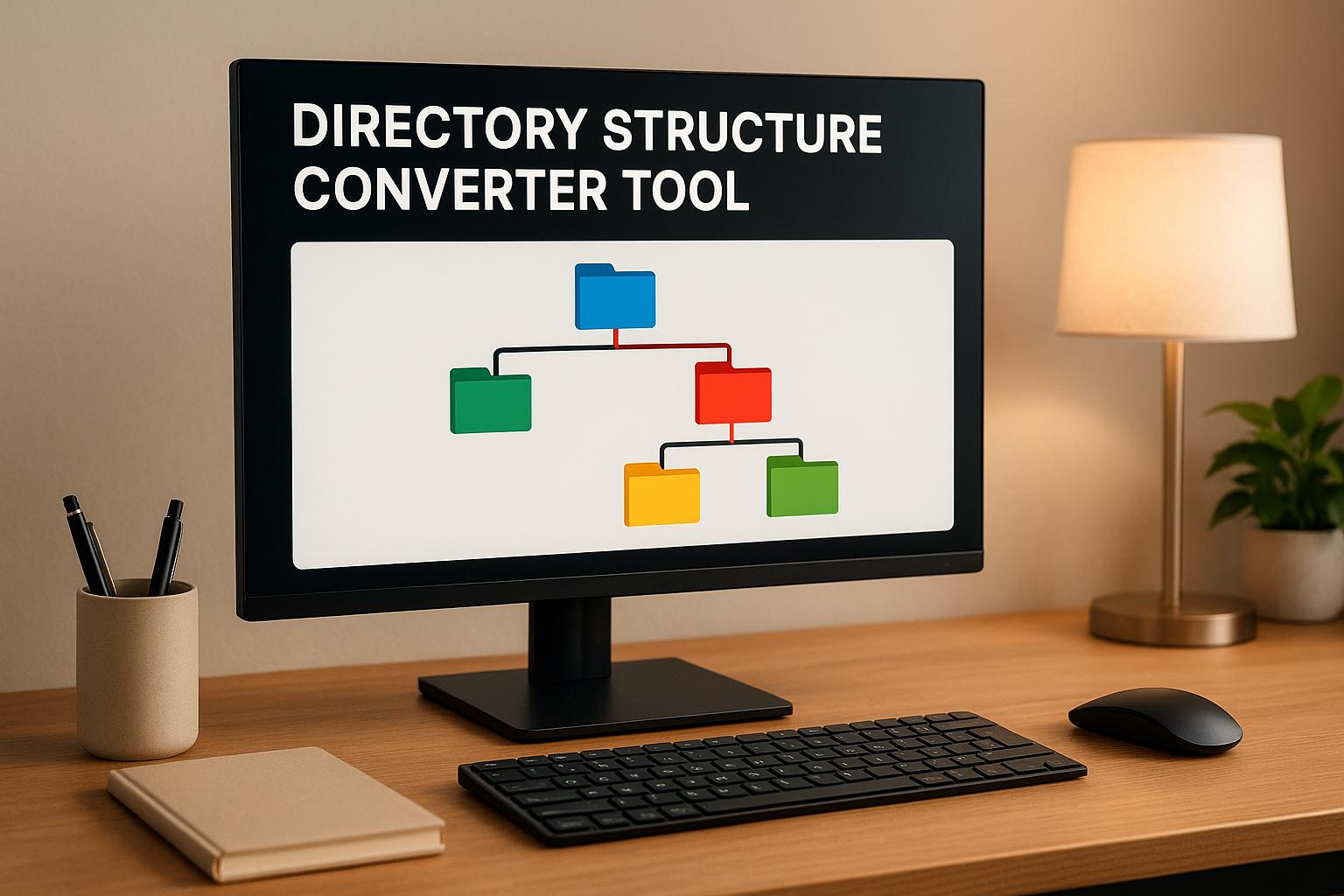
Organize Your Data with a Directory Structure Converter
If you’ve ever stared at a jumbled list of files or folders, wondering how to make sense of it all, you’re not alone. Creating a clear, visual hierarchy from raw text can feel like a chore—especially if you’re manually formatting for a project or website. That’s where a tool to convert file lists into structured directory trees comes in handy. It takes your messy input and transforms it into something readable, whether as a text-based tree or simple web markup.
Why Structured Listings Matter
A well-organized directory layout isn’t just pretty to look at; it saves time and reduces errors. Developers use these hierarchies to map out project folders, while content creators rely on them to plan assets. Even casual users benefit when sorting personal files. With a quick conversion tool, you can skip the tedious work of building these structures by hand and focus on what matters—using the data. Plus, having an output ready for web integration makes sharing or publishing a breeze. Next time you’re drowning in unorganized lists, remember there’s a fast, free way to bring order to the chaos.
FAQs
What kind of input does this directory converter accept?
It’s pretty flexible! You can paste a plain text list of file or folder names. The tool looks for clues like slashes (e.g., 'parent/child') or indentation to figure out the hierarchy. If your list doesn’t have those, you can manually set levels to define parent-child relationships. It’s built to handle simple formats without overcomplicating things.
Can I customize the output format of the directory tree?
Yep, you’ve got two options. The default is a text-based visual hierarchy that looks like a tree with branches and all—super easy to read. Or, you can switch to HTML/CSS markup if you’re looking to drop the structure straight into a webpage. We keep it basic so you’re not bogged down with extra settings.
Is this tool suitable for large file lists?
Absolutely, though it shines best with small to medium lists. It’ll handle hundreds of entries without breaking a sweat, turning them into a clean directory structure. For massive datasets, it might take a second longer to parse, but the output will still be organized and usable. Just paste and let it do the heavy lifting!