

Want to build a directory website without coding? Lideroo lets you create, customize, and launch your site with ease. Whether it's a local guide or a niche marketplace, you can monetize your directory using tools like tiered pricing, premium placements, ad spaces, and subscription plans. Here's how to get started:
- Choose a Plan: Plans start at $0/month (Free) and go up to $249/month (Agency).
- Pick a Template: Industry-specific designs for real estate, restaurants, automotive, and more.
- Customize Your Site: Use drag-and-drop tools to design pages, set up categories, and enhance SEO.
- Add Revenue Streams: Offer premium listings, featured positions, or membership tiers.
- Launch & Market: Connect a domain, ensure mobile compatibility, and promote your site with SEO, social media, and email campaigns.
Quick Tip: Focus on a niche to build authority, then expand as your site grows. With Lideroo’s tools, you can turn your idea into a profitable directory business.
Easiest No-Code Directory Website Builder: Full Platform Guide
Start Building with Lideroo
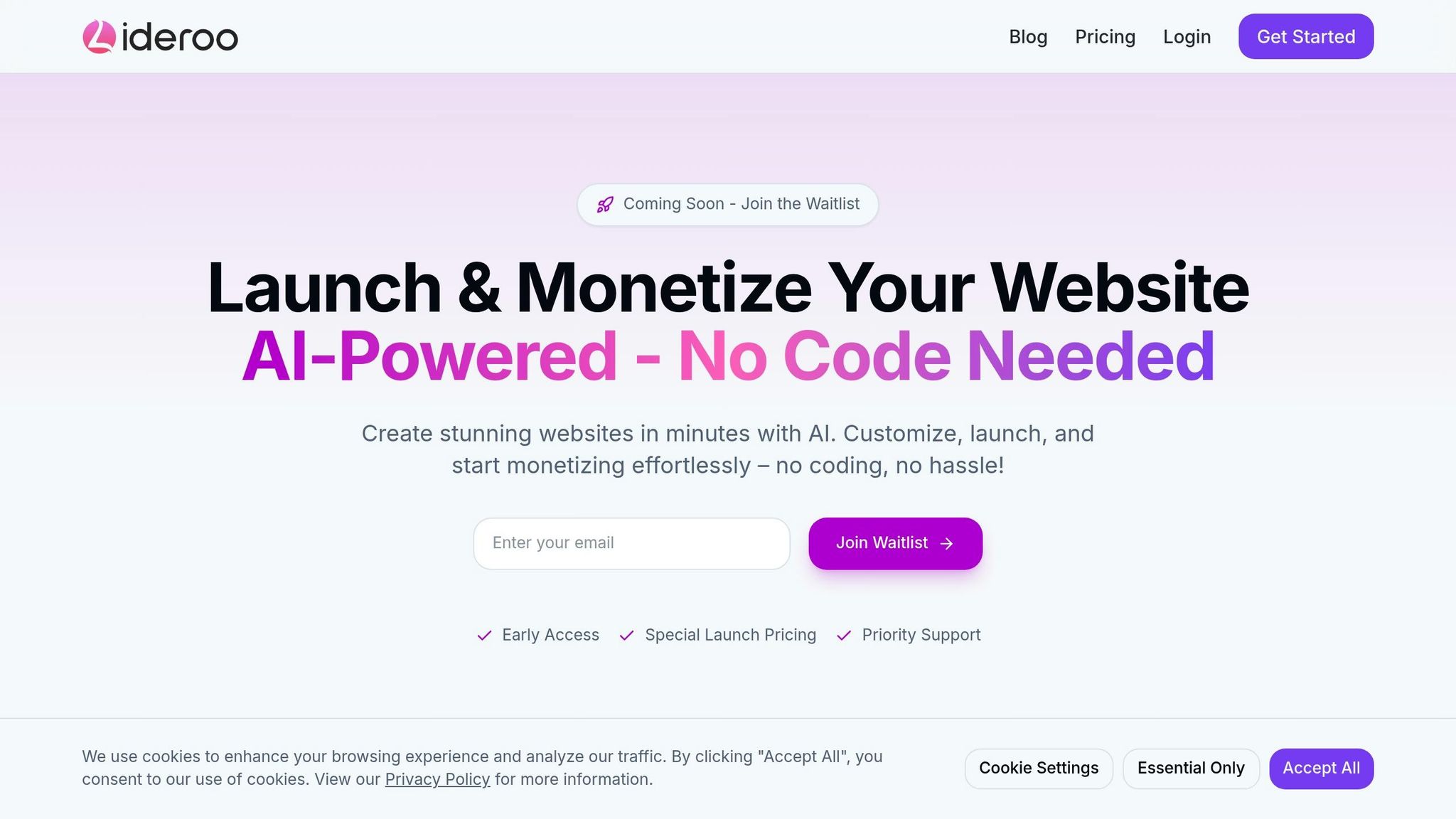
Turn your directory idea into a fully functional website with Lideroo.
1. Create Your Account
Start by choosing a plan that suits your business needs:
| Plan | Price |
|---|---|
| Free | $0/month |
| Starter | $39/month |
| Pro | $89/month |
| Agency | $249/month |
Each plan comes with built-in tools to help you generate revenue. Sign up using your business email and a secure password. The onboarding process will guide you through setting up your directory goals.
2. Pick Your Template
Browse through designs tailored to specific industries:
- Real estate templates with property listing features
- Restaurant guides that include reservation tools
- Automotive layouts showcasing detailed specifications
Choose a template that fits your directory's purpose:
- Industry Fit: Templates designed specifically for your niche
- Revenue Features: Ensure it supports your monetization plans
All templates can be customized to align with your brand's style.
Make Your Website Your Own
Design Your Pages
Take full control of your website's look with our drag-and-drop editor. You can tweak layouts, change colors, upload your logo, and adjust spacing to reflect your brand's identity. Plus, you can see all your changes instantly with our real-time preview feature.
Set Up Directory Categories
Organize your site so visitors can easily find what they’re looking for. Use location-based search tools to filter results by ZIP code or mile radius for added convenience.
Here’s a handy way to structure your categories:
| Category Level | Purpose | Example Structure |
|---|---|---|
| Primary | Broad business types | Restaurants, Hotels, Services |
| Secondary | Specific niches | Fine Dining, Fast Food, Cafés |
| Tags | Extra filters | Pet-friendly, Wheelchair Access, 24/7 |
This structure not only makes navigation simple for users but also helps boost your site's search visibility.
Improve Your SEO
Use built-in tools to enhance your search rankings. Features like auto-generated meta tags, updated XML sitemaps, and schema markup make your directory more search-friendly. For even better results, create clear categories and use descriptive names. If you opt for a paid plan, you’ll also get access to custom meta descriptions and keyword tracking to fine-tune your strategy.
From here, you can dive into advanced tools to drive engagement and grow your revenue.
sbb-itb-dfa823a
Power Tools for Directory Owners
Take your custom directory design to the next level with tools designed to improve usability and boost revenue.
Add Search and Filters
Make it easier for users to find what they need by adding advanced search and filtering options. Consider filters like:
- Location-based searches: Include ZIP code and radius options.
- Category and subcategory filters: Help users narrow down their results.
- Custom attributes: Allow filtering by price range, ratings, or business hours.
- Tag-based filters: Highlight specific features or services.
You can configure these filters in the Directory Settings to improve search accuracy and ensure they align with your design.
Set Up Income Streams
Generate revenue from your directory through various channels:
| Revenue Stream | Details |
|---|---|
| Premium Listings | Offer enhanced visibility and features for businesses, creating a consistent income source. |
| Featured Positions | Increase conversion rates by highlighting select listings. |
| Verified Business Claims | Charge a one-time fee for verification. |
| Membership Tiers | Create recurring revenue with tiered plans. |
| Booking Fees | Earn a percentage from transactions. |
Start by offering a mix of free and paid features to attract users while demonstrating the benefits of premium options. The built-in payment system ensures secure transactions, supporting major credit cards and digital payment methods.
Control User Access
Keep your directory secure and organized with tools for managing user roles and permissions. Features include:
- Role-based access to control who can view or edit content.
- Content workflows to streamline approvals and updates.
- Activity monitoring to track user actions.
Strengthen security further by requiring strong passwords, enabling Google and LinkedIn logins, and conducting regular account reviews.
Publish Your Directory Website
Your directory is ready to go live and start earning revenue. Here's how to launch and promote it effectively.
Check Your Website
Before launching, give your directory a final review to ensure everything works smoothly:
| Review Area | What to Check |
|---|---|
| Functionality | Test search filters, payment processing, and user registration features. |
| Content | Verify category descriptions, business listings, and contact details. |
| Design | Ensure mobile responsiveness, proper image loading, and easy navigation. |
| Technical | Check for fast loading speeds, fix broken links, and test form submissions. |
Go through your site as if you're a first-time user. Once you're confident everything is in place, it's time to launch.
Make Your Site Live
Head to your dashboard and update your domain settings:
- Purchase a new domain directly through Lideroo.
- Connect a domain you already own.
- Activate SSL certification for secure browsing.
Set your launch preferences:
- Remove Lideroo branding (available on Starter plans and higher).
- Customize email notifications for users.
- Set up analytics to track visitor behavior.
Once your site is live, shift your attention to drawing in users and businesses.
Market Your Directory
To attract visitors and businesses, focus on both digital marketing and direct outreach.
Digital Marketing Strategies
- Publish an SEO-optimized article daily to improve search rankings.
- Dedicate 10 hours each week to creating and sharing social media content.
- Use email campaigns to engage and retain users.
Reaching Out to Businesses
- Offer free listings to well-known local businesses to build credibility.
- Highlight competitor listings to pique interest from potential clients.
- Share brochures or online materials showcasing the benefits of being listed.
"The sooner you launch your directory website, the faster you can start generating traffic, selling listings and making money. Don't wait!" - Ideal Directories
Next Steps
Growing your directory takes planning and consistent effort. Here's what to focus on to keep things moving forward:
| Growth Area | Action Items | Expected Timeline |
|---|---|---|
| Content Building | Add 25–50 initial listings and refine category descriptions | First 2 weeks |
| Local Focus | Concentrate on a specific area and build relationships with local businesses | First 30 days |
| Marketing Mix | Develop an SEO strategy, establish a social media presence, and start email campaigns | Ongoing |
| User Experience | Check site speed, ensure mobile compatibility, and collect user feedback | Weekly check-ins |
Immediate Priorities
Technical Performance: Regularly test your site to ensure it performs well. Aim for load times under 3 seconds to lower bounce rates and improve search rankings.
Targeted Growth: Focus on a niche instead of trying to cover everything. For example, if you're creating a restaurant directory, start with one neighborhood or a specific cuisine.
Data-Driven Updates: Use analytics to track user behavior and engagement. Look at metrics like the most visited categories, search trends, user sign-ups, and listing interactions to guide improvements.
Keep updating your content and engaging with businesses. Tools like Lideroo can help simplify processes and boost growth. With the right approach, your directory can become a go-to resource for both users and local businesses.