
No-code tools make building interactive websites easier than ever. With drag-and-drop editors, pre-built templates, and advanced features like animations and dynamic content, anyone can create professional websites without coding. These platforms are perfect for small businesses, freelancers, and entrepreneurs who want polished, feature-rich sites on a budget.
Here’s what to look for in a no-code platform:
- Interactive Features: Add animations, hover effects, and scroll-triggered elements to engage users.
- Dynamic Content: Use CMS tools for blogs, directories, or user-generated content.
- Forms and Logic: Build advanced forms with branching logic, file uploads, and payment integrations.
- Performance and Accessibility: Ensure fast load times, mobile responsiveness, and compliance with accessibility standards.
- Pricing and Support: Choose platforms with clear pricing, helpful resources, and scalability options.
Top No-Code Tools:
Lideroo: AI-powered for blogs and directories, with built-in monetization tools.
- Best for: Directory sites, membership platforms.
- Pricing: Free to $299/month.
Webflow: Offers advanced animations and pixel-perfect designs.
- Best for: Agencies, portfolios, and businesses needing custom animations.
Framer: Combines design prototyping with live website creation.
- Best for: Fluid animations and mobile-friendly designs.
Ycode: Focuses on database-driven sites with advanced logic workflows.
- Best for: Marketplaces and data-heavy applications.
Typedream: Simple block-based editor for small projects and landing pages.
- Best for: Small businesses and straightforward websites.
Quick Comparison:
| Tool | Best For | Key Features | Pricing |
|---|---|---|---|
| Lideroo | Blogs, directories, memberships | AI content, monetization, SEO automation | Free to $299/month |
| Webflow | Agencies, portfolios, businesses | Advanced animations, CMS, clean code | Custom pricing |
| Framer | Prototypes, mobile-friendly sites | Gesture-based animations, CMS | Custom pricing |
| Ycode | Marketplaces, data-heavy sites | Logic workflows, database tools | Custom pricing |
| Typedream | Small projects, landing pages | Block-based editor, responsive designs | Custom pricing |
Pick the tool that fits your needs - whether it’s interactive animations, dynamic content, or monetization features - and start building your site today.
Top 10 No Code Tools of 2025
Key Features to Look for in No-Code Tools
When selecting a no-code platform for designing interactive websites, it's important to find one that balances ease of use with the ability to handle more complex projects. The best tools offer advanced features without overwhelming beginners, ensuring flexibility for users at all levels.
Interactive Elements
Creating engaging websites often hinges on the right interactive features:
- Animation capabilities: Look for tools that support smooth transitions, scroll-triggered animations, and hover effects. Platforms with timeline-based animation controls allow you to synchronize multiple elements seamlessly.
- Microinteractions: These small but impactful animations - like buttons changing color when clicked or icons bouncing on hover - enhance the user experience. Opt for platforms that include pre-built templates and options for custom timing and easing.
- Scroll effects: Features like parallax scrolling, fade-ins, and sticky elements can make your site feel immersive. The best tools enable these effects with simple toggles for ease of use.
Dynamic Content Management
Keeping your website fresh and relevant requires strong content management features:
- Content Management System (CMS): A robust CMS lets you organize and update content efficiently. Look for platforms that allow you to store and manage collections like blog posts, product listings, or team profiles, with options for custom fields to meet your specific needs.
- User-generated content: If your site includes community features or user submissions, ensure the platform supports native options for collecting and displaying user-generated content.
- Conditional visibility: This feature lets you show or hide content based on criteria like user behavior or membership status. It’s especially useful for creating personalized or membership-based experiences.
Forms and Logic
Advanced forms enhance how users interact with your site:
- Built-in form builders: Go beyond basic contact forms. Choose platforms that support multi-step forms, file uploads, payment integration, and custom validations. Ensure forms are mobile-friendly and include spam protection.
- Branching logic: This feature tailors forms based on user responses, creating a personalized experience. For example, selecting "Business" instead of "Personal" might display a different set of follow-up questions.
- Integration options: Directly connect your forms to tools like email marketing platforms, CRM systems, and payment processors. Native integrations often perform better than third-party connectors.
Performance and Accessibility
A successful website isn’t just interactive - it’s also fast and accessible:
- Responsive design: Ensure the platform automatically generates designs that work across all devices. Real-time previews for different screen sizes can help fine-tune your layout.
- Core Web Vitals optimization: Fast loading times, optimized images, and minimal code bloat improve both user experience and search engine rankings. Some platforms even offer performance monitoring to track your site’s speed.
- Accessibility compliance: Make sure your site is usable for everyone. Features like proper heading structures, alt text for images, keyboard navigation, and ARIA labels should be part of the platform’s design capabilities.
Pricing and Support
Finally, consider the platform's pricing and support options:
- Transparent pricing: Look for clear pricing structures in USD with tiered options to fit your budget and avoid hidden fees.
- Learning resources: Comprehensive documentation, tutorials, and community forums can help you get started quickly. Some platforms also offer live chat or phone support for more complex issues.
- Scalability: As your site grows, ensure the platform can handle increased traffic, additional team members, and new features. Migration tools and export options can be a lifesaver if you need to switch platforms later.
Top No-Code Tools for Interactive Website Design
The no-code space is brimming with platforms that make creating interactive websites a breeze, each offering unique features tailored to different needs. These tools go beyond basic functionality, providing specialized options to elevate your web design efforts. Let’s break down some of the top contenders and what makes them stand out.
Lideroo
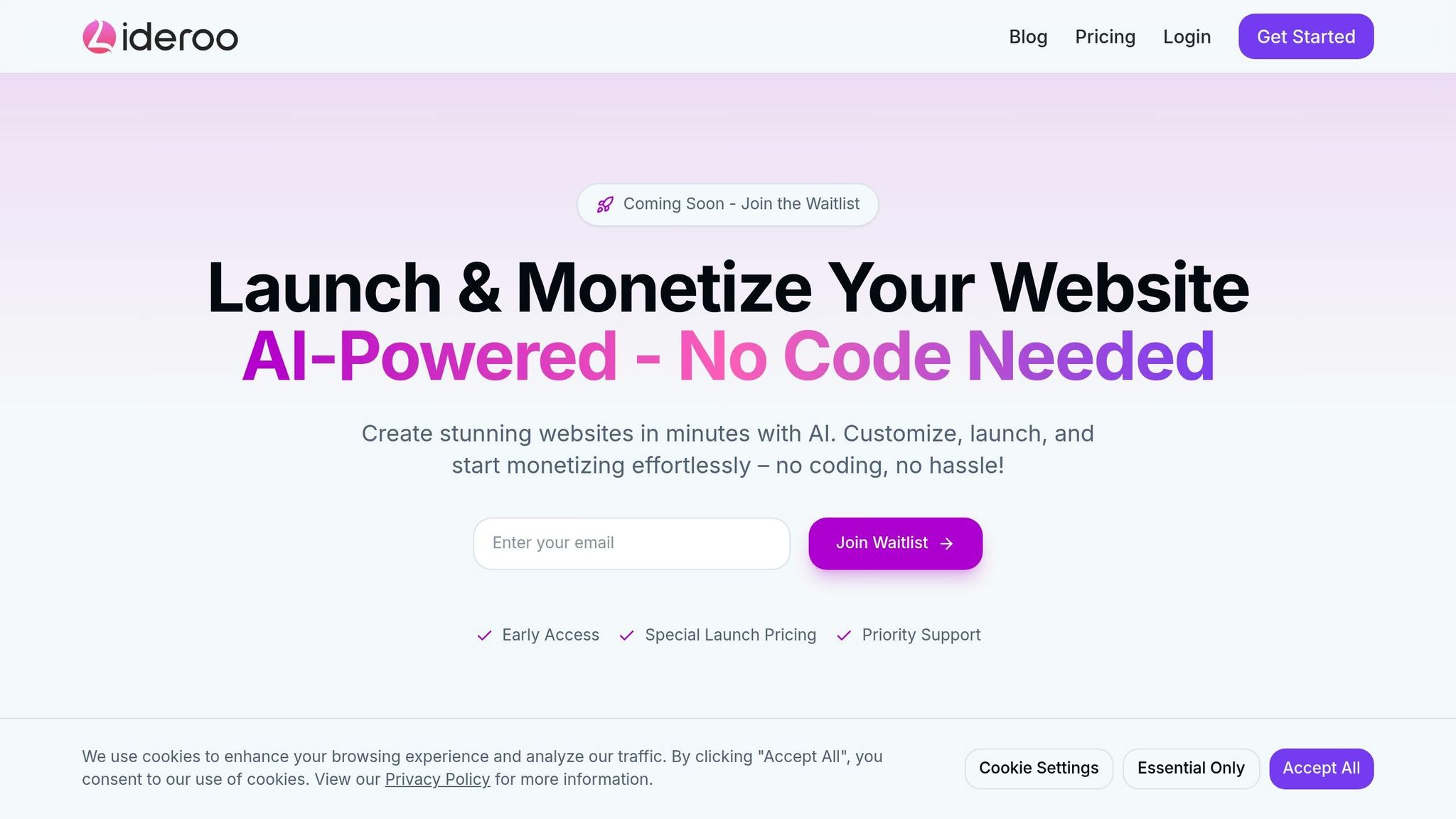
Lideroo is an AI-driven no-code platform designed for directory sites and blogs. It combines AI content generation with drag-and-drop editing, pre-designed templates, SEO automation, and built-in monetization tools.
Its AI capabilities simplify content creation, while the drag-and-drop editor and templates make customization straightforward - no coding required. Lideroo also includes user management with role-based access and streamlined content workflows. SEO tasks like meta tags, XML sitemaps, and schema markup are automated, ensuring your site stays optimized even as you add interactive features.
Pricing:
- Free: $0/month (1 website, unlimited pages, basic templates)
- Starter: $49/month (3 websites, custom domain, monetization tools)
- Agency: $299/month (20 websites, API access, team collaboration)
Best for: Directory websites, membership platforms, and blogs that need monetization alongside interactive features.
Webflow
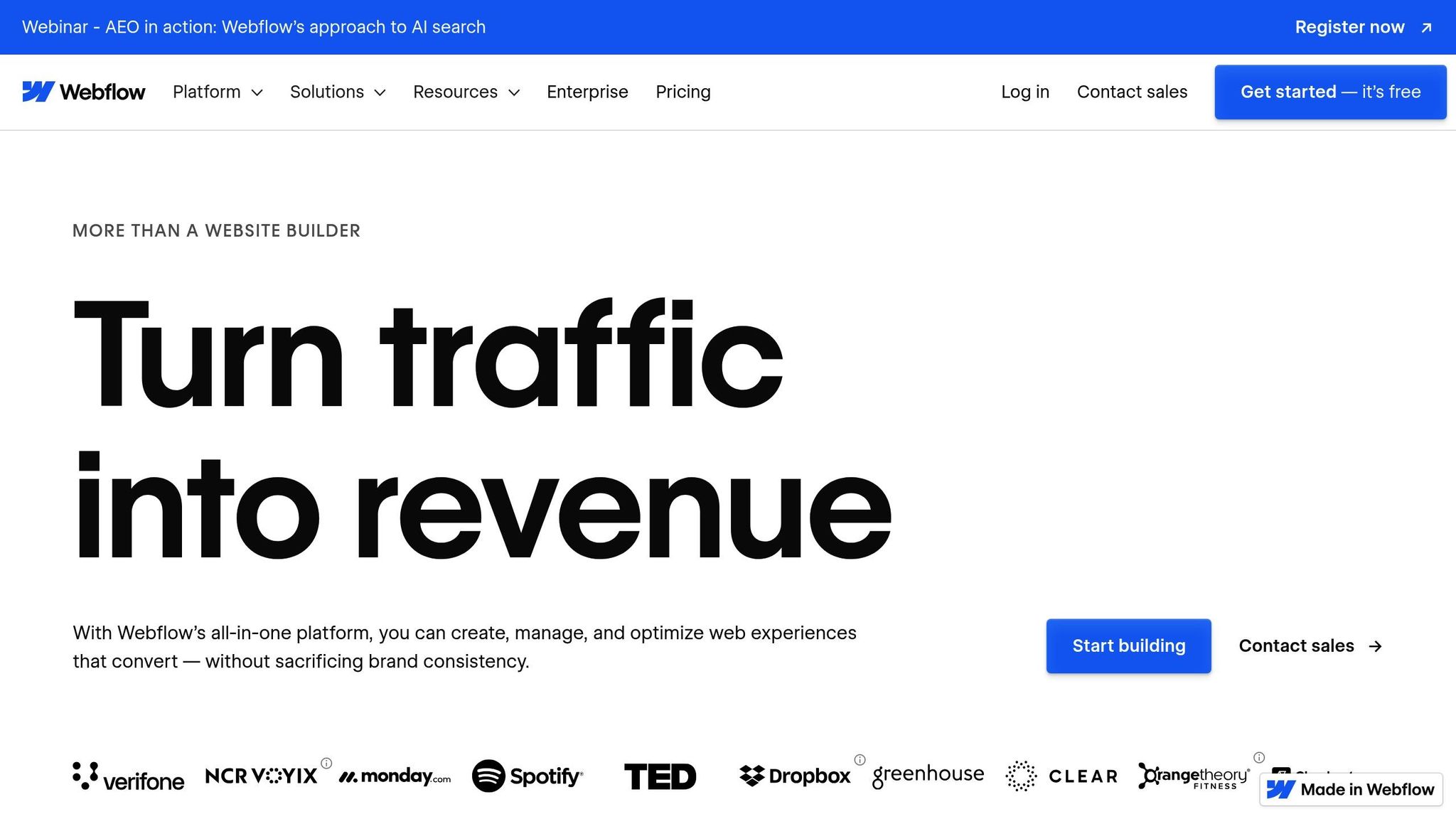
Webflow gives designers unmatched control with its no-code approach, allowing for pixel-perfect designs. Its standout feature, Interactions 2.0, lets you create complex animations triggered by actions like scrolling, clicking, or hovering. This makes it perfect for crafting dynamic, multi-step animations.
The platform’s CMS supports dynamic content with customizable fields, making it ideal for portfolios, blogs, and e-commerce projects. Additionally, Webflow’s built-in form builder includes advanced tools like file uploads and multi-step forms, while the clean, semantic code it generates ensures smooth performance across devices.
Best for: Design agencies, portfolios, and businesses that demand custom animations with a professional visual finish.
Framer
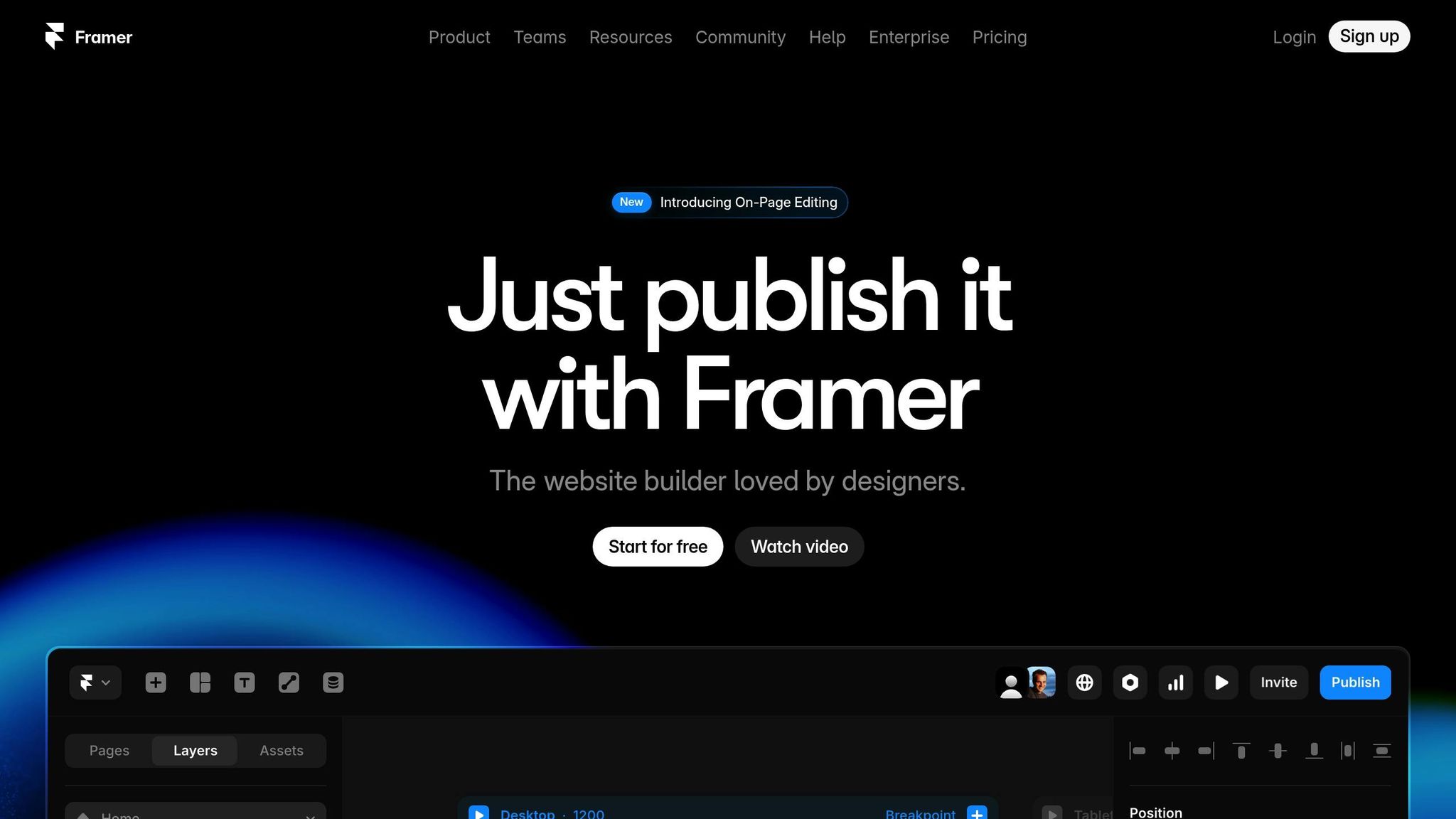
Framer bridges the gap between design prototyping and live websites. It allows you to turn interactive prototypes directly into functional websites. Its Smart Components feature lets you create reusable interactive elements with consistent behavior across your site. Framer also supports advanced animations, such as spring transitions and gesture-based interactions, making it an excellent choice for mobile-friendly designs.
You can easily import designs from Figma and add interactivity, thanks to Framer’s seamless integration. With a built-in CMS for dynamic content and support for custom code, it offers a mix of simplicity and flexibility.
Best for: Designers and startups focused on fluid animations and quick prototyping of interactive websites.
Ycode
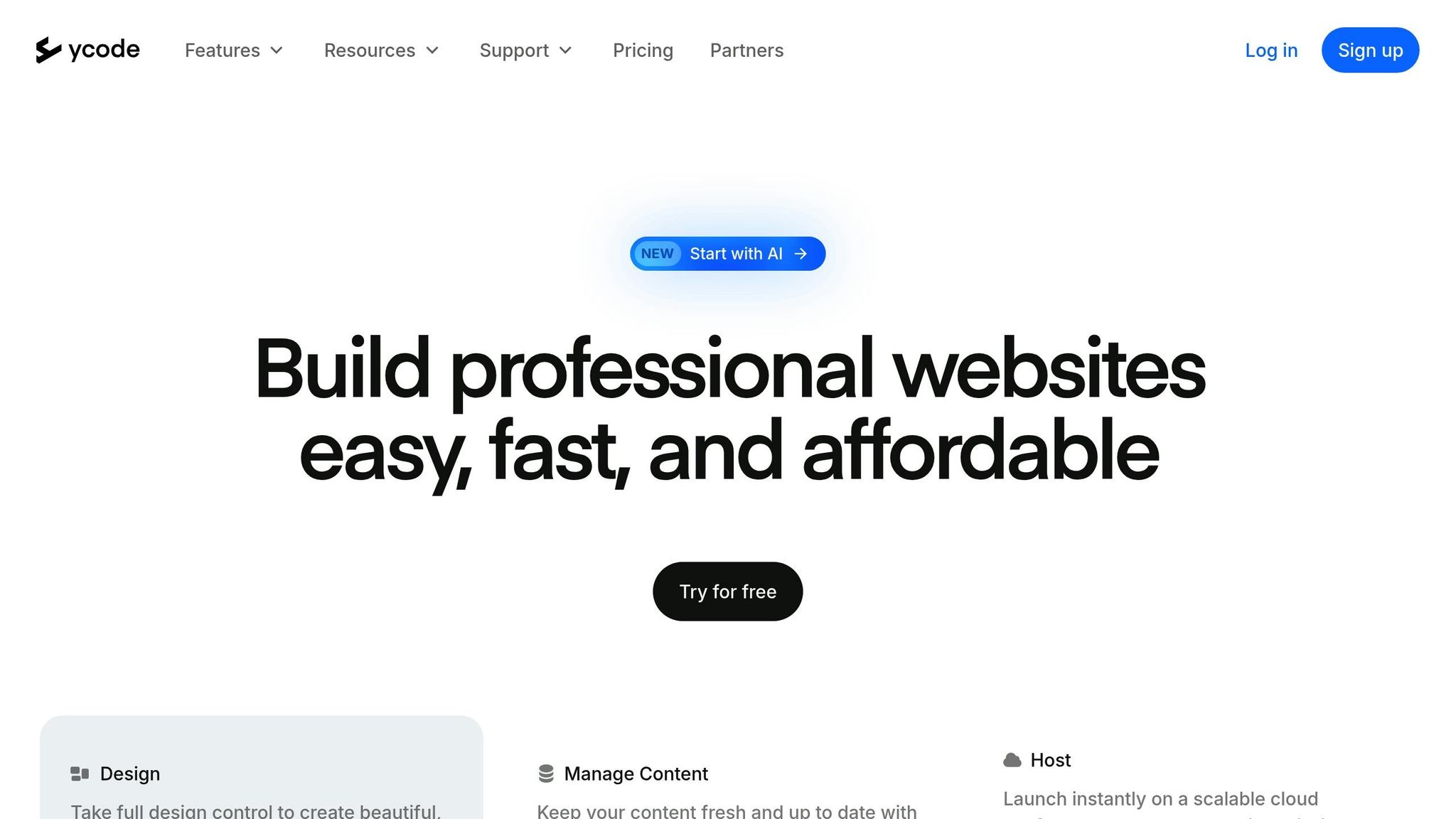
Ycode is tailored for database-driven websites that require advanced logic. Its Logic Builder enables you to create workflows triggered by user interactions, form submissions, or database changes - all without writing a single line of code. Ycode’s database tools support complex relationships between content types, along with robust filtering and search features.
The platform also includes user authentication, dynamic content personalization, payment processing, and membership tools, making it an excellent choice for data-heavy applications.
Best for: Data-driven websites, online marketplaces, and applications requiring advanced logic and database capabilities.
Typedream
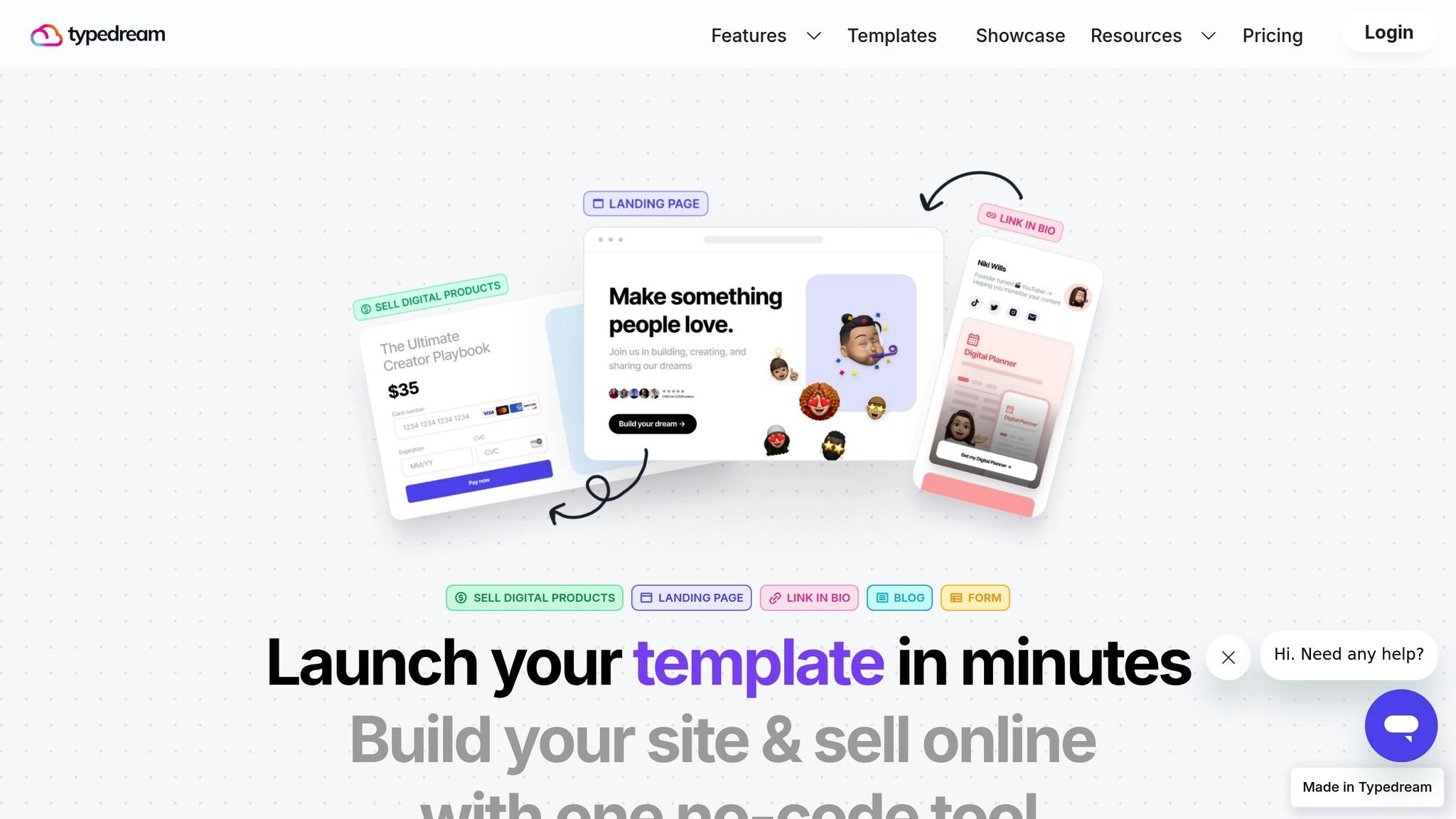
Typedream simplifies interactive website creation with its block-based system. Users can easily add elements like contact forms, newsletter signups, and social media embeds. The platform supports multi-page sites with smooth transitions and responsive designs that adapt seamlessly to any screen size.
For smaller projects, Typedream offers basic e-commerce tools and form builders with email notifications, ensuring you can engage visitors effectively without overcomplicating the setup process.
Best for: Small businesses, landing pages, and straightforward websites that need interactive features with minimal effort.
sbb-itb-dfa823a
How to Choose the Right Tool for Your Needs
When deciding on the right tools for your website, it’s essential to align your choices with your site’s primary purpose and the level of interactivity you need.
Content-Driven Sites
If your website focuses on blogs, directories, or other content-heavy formats, you’ll want a platform that excels in content management and SEO. For instance, Lideroo offers AI-driven content generation and automated SEO, which can simplify optimization, especially for large-scale blogs or directories.
For collaborative projects, tools with role-based access and streamlined workflows are a must. If monetizing your content is part of your plan, look for platforms that support subscriptions or premium access. Ycode, for example, is well-suited for sites with complex database relationships and filtering needs, making it an excellent choice for directories with detailed categorization. From there, think about how animations and interactivity can further enhance your site’s landing pages.
Interactive Landing Pages
Landing pages designed to capture attention and engage visitors immediately benefit from strong animation features. Webflow's Interactions 2.0 allows for advanced scroll-triggered animations and multi-step sequences, helping you guide visitors through your message effectively.
For startups or teams that need to iterate quickly on interactive prototypes, Framer is a great pick. Its spring transitions and gesture-based interactions create seamless, mobile-friendly experiences.
When evaluating animation tools, consider both performance and accessibility. Lightweight animations are crucial to maintaining fast load times, and features like motion reduction are important for users who may be sensitive to movement. Accessibility tools, such as keyboard navigation, ensure your landing pages remain inclusive while still delivering an engaging experience [1].
Membership and Monetization Features
If your site relies on memberships or monetization, robust user and payment management tools are key. Lideroo simplifies this with built-in features for premium content access and subscription plans, reducing the need for third-party integrations.
Look for platforms that support custom user roles, dynamic content personalization, and content restrictions based on membership levels. Ycode stands out here with its Logic Builder, which enables personalized workflows triggered by user interactions - perfect for both content-heavy and membership-based sites.
Finally, payment processing is a critical factor. Platforms with native payment integration not only minimize technical headaches but also improve the checkout experience. Opt for tools that support multiple payment methods and automatic recurring billing to streamline subscription-based models.
Conclusion: Choosing the Best No-Code Tool for Interactive Websites
Picking the right no-code tool boils down to matching your website's needs with what each platform does best. For content creators and directory builders, Lideroo stands out with its AI-powered tools and built-in monetization features - no extra integrations required. Plus, its automated SEO and content generation make it ideal for scaling blogs and directories.
If your project relies heavily on animations, Webflow and Framer are excellent choices. Webflow's Interactions 2.0 offers advanced animation capabilities, while Framer excels at quick, gesture-driven prototyping. Meanwhile, Ycode is the go-to for projects requiring complex database relationships or personalized user workflows, thanks to its Logic Builder.
To make the best choice, focus on your primary goal. If you're building revenue-generating memberships or directories, Lideroo is a solid pick. For intricate animations, Webflow or Framer will deliver. And for handling complex data logic, Ycode is your answer. As your site grows, features like AI-driven content generation and advanced database management will play a bigger role.
Ultimately, choose a platform that not only meets your current needs but also aligns with your technical skills and long-term goals. The best tool is the one you feel confident using to achieve your vision effectively.
FAQs
Are no-code tools easy to use for both beginners and experienced users?
No-code website builders are created to be easy to use, especially for beginners. With features like drag-and-drop editors and pre-designed templates, they allow anyone - even without coding knowledge - to build interactive, professional-looking websites.
For those with more experience, many of these platforms offer advanced tools and customization options, giving users greater control over the design and functionality. This flexibility makes no-code builders a solid choice for both novices and seasoned users, accommodating a range of design needs and complexities.
What should I look for in a no-code platform to create a membership or subscription-based website?
When choosing a no-code platform to create a membership or subscription-based website, focus on tools that simplify managing user access and restricting content for members. Key features to look out for include built-in payment processing, user management tools, and content monetization options like subscription tiers or premium content access.
It’s also important to select a platform with an easy-to-use drag-and-drop editor, integrated payment gateways, and strong security measures like SSL encryption to protect user data. These features not only streamline the setup process but also ensure a secure and user-friendly experience for your members, helping you achieve your revenue goals.
Can no-code tools create advanced animations and interactive features without slowing down or compromising accessibility?
Yes, no-code tools are fully capable of producing advanced animations and interactive features while keeping performance and accessibility in check. These platforms often come with built-in tools that help ensure animations run efficiently and align with accessibility standards, such as supporting assistive technologies and minimizing disruptive reflows.
That said, it’s crucial to approach animations with care. Overusing effects or implementing them poorly can hurt load times and frustrate users. By following performance best practices and prioritizing user-friendly designs, you can craft interactive, visually appealing websites that remain fast and accessible.