
Adding payment gateways to your no-code website is simpler than you might think. Platforms like Lideroo make it easy to integrate options like Stripe and PayPal, enabling you to accept payments securely without needing to code. Here's how it works:
- Payment Gateways Simplified: These tools handle transactions between your site, customers, and banks, ensuring secure and fast payment processing. Popular options like Stripe and PayPal support multiple currencies, fraud protection, and compliance with PCI standards.
- Why You Need It: Over 80% of U.S. consumers made online payments in 2024. Adding a gateway lets you monetize your site through subscriptions, premium content, or product sales.
- Setup Process: Platforms like Lideroo provide a straightforward way to connect to gateways. You'll need basic business details, API keys, and some testing before going live.
- Security: Gateways like Stripe and PayPal handle compliance and security, but ensure your site uses HTTPS with SSL/TLS encryption for added protection.
- Testing and Launching: Use sandbox environments to test transactions, fix issues, and switch to live mode once everything works smoothly.
What Payment Gateways Are and How They Work
Payment Gateway Basics
A payment gateway acts as the secure link between your website, customers, and banks, ensuring sensitive information like credit card numbers and billing details is transmitted safely. When a customer clicks "Buy Now", the gateway encrypts the data, sends it to the bank for approval, and delivers the result back in just seconds, making the entire transaction process smooth and efficient.
These gateways are built to simplify the complexities of banking and security protocols, so you can focus on growing your business instead of worrying about payment logistics. Beyond basic functionality, many modern gateways come with advanced tools that make managing payments even easier.
Main Payment Gateway Features
Some of the standout features include instant transaction processing, which confirms purchases right away, and real-time notifications that help reduce cart abandonment. Fraud protection tools, often powered by machine learning, analyze transaction patterns to detect and flag suspicious activity. Additionally, multi-currency support allows businesses to cater to international customers by automatically handling exchange rates. Compliance with PCI standards ensures that all data security requirements are met.
For example, popular gateways like Stripe and PayPal support over 135 currencies, seamlessly managing exchange rates and currency conversions. This is especially helpful for businesses looking to expand globally.
| Payment Gateway | Fee | Supported Payment Methods | Multi-Currency Support | PCI Compliance |
|---|---|---|---|---|
| Stripe | 2.9% + $0.30 | Credit/Debit Cards, Digital Wallets | Yes | Yes |
| PayPal | 2.9% + $0.30 | Credit/Debit Cards, PayPal Balance | Yes | Yes |
| Square | 2.6% + $0.10 | Credit/Debit Cards, Digital Wallets | Yes | Yes |
These features are particularly crucial for platforms built on no-code website builders, where ease of use and security are non-negotiable.
Why No-Code Websites Need Payment Gateways
No-code platforms rely on plug-and-play solutions for payment processing since they don't require custom coding. This makes secure and reliable payment gateways essential.
In the U.S., over 70% of online transactions are handled through payment gateways, highlighting their importance in the digital economy. For websites created with no-code tools like Lideroo, integrating a payment gateway enables you to start monetizing your site quickly and securely. Whether you're selling premium content, subscriptions, or digital products, a streamlined payment system can turn your website into a revenue-generating machine. With Lideroo's drag-and-drop interface, adding payment functionality takes just minutes.
Security, once a concern that required dedicated IT teams, is now managed automatically by these gateways. By choosing a trusted payment gateway, you gain access to enterprise-grade security features, advanced fraud detection, and full compliance with industry standards - benefits that are especially important for small businesses and entrepreneurs.
Setting up a payment gateway on a no-code platform is straightforward. Most gateways provide API keys or account connections that integrate seamlessly with no-code tools. Once you've entered your credentials and adjusted your settings, you can start accepting payments - sometimes on the very same day you decide to enable this feature on your site.
How to Set Up Stripe and Collect Payments with No Code
Getting Ready for Payment Gateway Setup
Before enabling payments on your Lideroo website, it's crucial to lay down the right business and security groundwork. This includes setting up the necessary accounts and ensuring compliance with U.S. regulations.
Setting Up Business and Merchant Accounts
To legally process payments, you'll need a U.S. business bank account and a federal Employer Identification Number (EIN). These are essential for meeting U.S. financial and tax regulations.
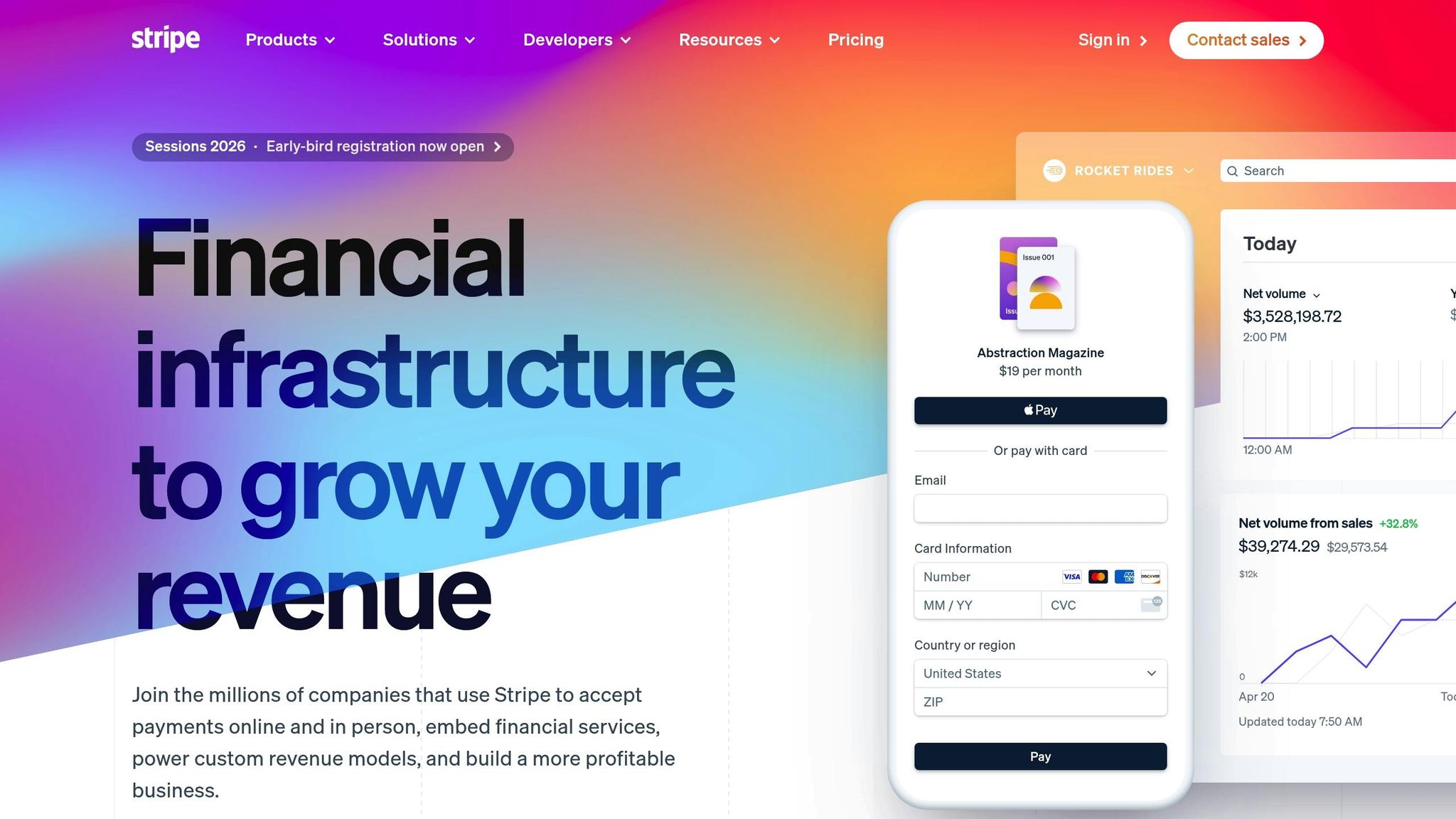
When setting up a payment gateway, you'll typically need to provide your business name, physical address, EIN, and bank account details. For example, Stripe integrates directly with your U.S. bank account, while PayPal requires a business account to unlock features like higher transaction limits. Lideroo simplifies this process, guiding you through setup to make integration straightforward.
Modern payment processors have streamlined the process by eliminating the need for traditional merchant accounts, offering direct deposits with minimal paperwork.
How to Choose the Right Payment Gateway
Selecting the right payment gateway involves evaluating transaction fees, compatibility with Lideroo, and support for various payment methods. Here’s a quick look at transaction fees for some popular options:
| Gateway | Transaction Fee |
|---|---|
| Stripe | 2.9% + $0.30 per transaction |
| PayPal | 2.9% + $0.30 per transaction |
| Square | 2.6% + $0.10 (in-person) / 2.9% + $0.30 (online) |
Compatibility with Lideroo is a key factor. Stripe and PayPal offer robust APIs that integrate seamlessly with no-code platforms like Lideroo, ensuring you don’t need custom coding. Additionally, offering flexible payment methods - like credit cards, digital wallets, and support for international currencies - can enhance the user experience. If your site includes subscription services or premium content, make sure the gateway supports recurring billing.
Your choice should align with your business model. For instance, a directory site with premium listings may have different needs than a platform selling digital products or managing memberships. Once you’ve identified the right gateway, verify that it meets all necessary security and compliance standards.
Security and Compliance Requirements
Handling customer payment data securely is not just a good practice - it’s a legal requirement. The Payment Card Industry Data Security Standard (PCI DSS) outlines specific measures for businesses that process, store, or transmit credit card information.
Top payment gateways like Stripe and PayPal are PCI DSS Level 1 compliant, which means they handle much of the compliance workload for you. This is especially helpful for no-code website owners who might not have dedicated IT security resources. These gateways provide features like SSL/TLS encryption for secure data transmission, tokenization to safeguard sensitive information, and advanced fraud detection tools.
Your Lideroo website must also use HTTPS with SSL/TLS encryption to ensure secure communication between your site and the payment gateway. Many gateways offer secure, hosted payment forms, reducing your PCI compliance scope since sensitive card details never touch your servers.
Failing to prioritize security can lead to data breaches, fines, and a loss of customer trust. By choosing a compliant payment gateway and following best practices, you protect both your customers and your business, ensuring a secure and reliable payment experience for your no-code platform.
How to Add Payment Gateways to Lideroo Websites

Now that you’ve set up the basics, it’s time to integrate payment gateways into your Lideroo website. The platform makes this process simple, even if you don’t have a technical background.
Setting Up Stripe with Lideroo
Getting Stripe up and running on Lideroo is a straightforward process, thanks to Stripe's API. Start by logging into your Lideroo dashboard and heading to the payment integrations section, where Stripe is listed as one of the main options.
First, grab your test API keys from Stripe’s Developers section. These include a publishable key (pk_) for client-side operations and a secret key (sk_) for server-side tasks. Enter these keys into the Stripe settings within Lideroo. Remember, these credentials are securely stored by Lideroo, so make sure you don’t share or expose them elsewhere.
Next, copy the webhook URL provided by Lideroo and paste it into the Webhooks section of your Stripe account. This allows Stripe to notify your site of events like payment_intent.succeeded or payment_intent.payment_failed.
Before switching to live mode, test everything thoroughly using Stripe’s test mode. For instance:
- Use the test card number
4242424242424242to simulate a successful payment. - Use
4000000000000002to simulate a declined transaction.
Check that payment confirmations are correctly displayed in your Lideroo dashboard and that customers receive the appropriate success or error messages.
Adding PayPal and Other Payment Methods
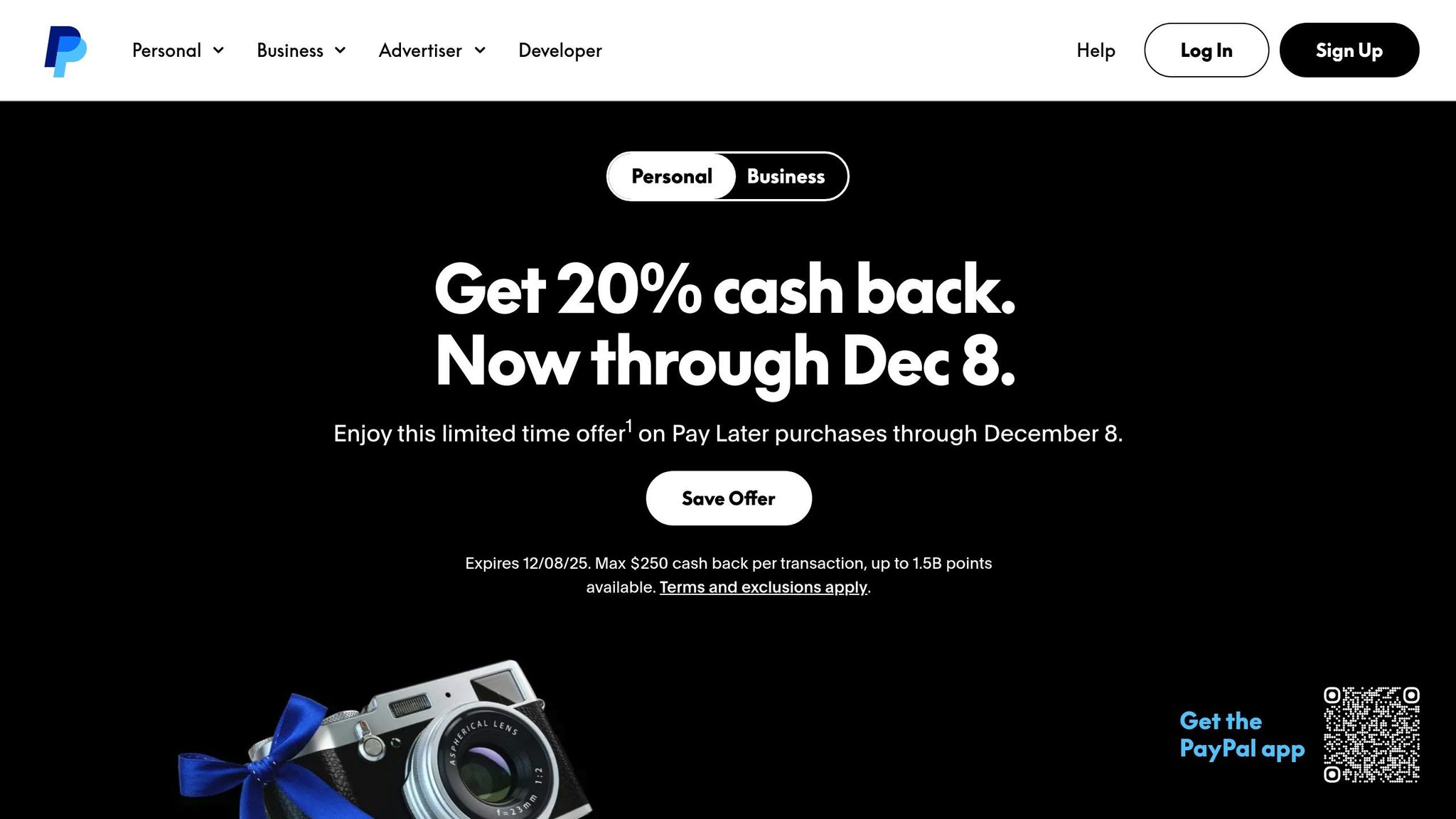
To add PayPal, go to Lideroo’s payment settings, choose PayPal, and enter your business account credentials. Configure any necessary settings, such as IPN (Instant Payment Notification) or webhooks, to ensure smooth communication between Lideroo and PayPal.
If you want to enable Apple Pay and Google Pay, you’ll need to do so through your Stripe integration. Activate these options in Lideroo and complete any required verifications, such as domain or merchant validation.
Keep in mind that some payment methods, like PayPal, may require additional steps, such as providing business documentation. Similarly, digital wallets often need domain authentication. Factor in the time these verifications might take when planning your setup.
Customizing Payment Forms and Checkout Pages
Lideroo’s visual editor gives you the tools to fully customize your payment forms and checkout pages. Using the drag-and-drop interface, you can tweak layouts, reposition fields, and align the design with your brand by adding your logo, colors, and fonts.
For U.S.-based customers, make sure your settings reflect local standards:
- Set the default currency to U.S. dollars ($).
- Use the MM/DD/YYYY date format.
- Apply American number formatting (e.g., 1,000.00 with commas as thousand separators).
If you offer recurring payments or subscriptions (like premium listings or subscription-based content), you can configure these within Lideroo. Set up different subscription tiers, trial periods, and billing cycles directly in the payment form settings.
To improve user experience, simplify your forms by removing unnecessary fields and using clear, concise labels. Ensure the forms are mobile-friendly, and use progressive disclosure to show additional fields only when needed.
Lastly, design your checkout page to match your site’s overall aesthetic while focusing on conversions. Use contrasting colors for call-to-action buttons, prominently display security badges, and provide clear pricing details. Test various layouts to see which one performs best with your audience. Once everything is set, review and test your integration thoroughly before moving to live mode, as outlined in the next section.
sbb-itb-dfa823a
Testing and Going Live with Payment Gateways
Before launching live transactions, it's essential to thoroughly test your payment gateway integration. Skipping this step can lead to frustrated customers and lost sales. By using sandbox environments, running detailed test scenarios, and carefully transitioning to production mode, you can ensure that payment processing on your Lideroo website is both secure and reliable.
How to Test Payment Gateways
A sandbox environment acts like a practice field for testing your payment gateway integration. It simulates real transactions without moving actual money, helping you confirm that your payment forms, checkout process, and backend systems are working as intended.
Start by setting up test credentials for your chosen payment gateway. For Stripe, locate your test API keys (pk_test_ and sk_test_) in the Developers section and add them to your Lideroo payment settings. If you're using PayPal, create sandbox business and buyer accounts through PayPal's Developer portal.
Run a variety of test scenarios to uncover potential issues. For Stripe, use the provided test card numbers to simulate different outcomes, such as successful payments, declines, and processing errors. Test various transaction amounts, including edge cases like $0.50 and $999.99, to ensure your system can handle a range of price points.
Check that transaction data appears correctly in both your Lideroo dashboard and your payment gateway's portal. Verify that confirmation emails, error notifications, and other customer-facing messages display properly. If you're offering subscription services or recurring billing, test the full cycle, including trial periods and renewal charges.
If refunds or cancellations are part of your business model, test those workflows as well. Process test refunds through your payment gateway and confirm they show up accurately in your Lideroo transaction logs. Once you're confident everything works as expected, you can switch to live mode.
Switching from Test to Live Mode
Transitioning to live mode requires precision. Replace your test credentials with live API keys and double-check your business settings, such as currency and tax configurations. For Stripe, use your live publishable key (pk_live_) and secret key (sk_live_).
Some payment gateways require separate webhook configurations for live mode. If this applies, update your webhook URL by copying it from your Lideroo dashboard and entering it into the live webhooks section of your payment gateway account.
To ensure everything is set up correctly, run a small real transaction. Use a low-value test purchase (e.g., $1.00) with your own payment method. Confirm the transaction flows smoothly and appears in both your Lideroo dashboard and the payment gateway's live transaction log.
Let your team know when you've switched to live mode and update any internal documentation. It’s also a good idea to set up monitoring alerts for failed transactions so you can quickly address any issues with real customer payments.
Fixing Common Integration Problems
Payment gateway issues usually fall into a few common categories. Here’s how to address them:
- Incorrect API credentials: Double-check that you're using the right keys (test or live) for the appropriate mode.
- Webhook or callback URL errors: Ensure your webhook URLs are correctly configured, accessible, and secured with HTTPS.
- Currency and payment setting mismatches: Verify that your Lideroo payment settings align with your gateway’s configuration.
- SSL certificate issues: Make sure your SSL certificate is valid and correctly installed on your domain.
- Incomplete payment form fields: Review error messages to identify missing or incorrect fields.
When troubleshooting, start with transaction logs and error messages. These logs provide detailed information about payment attempts, including error codes and descriptions. Cross-reference errors between your Lideroo dashboard and your payment gateway's reporting tools to pinpoint the issue.
If you’ve exhausted these steps and still encounter problems, reach out to your payment gateway’s support team. Be sure to include specific error codes and transaction IDs to help them resolve the issue quickly.
Managing Payments on Lideroo Websites
Keeping payments running smoothly on your Lideroo website is a key part of maintaining revenue growth and ensuring customer satisfaction. Once your payment gateway is live, it’s important to focus on managing transactions, handling refunds, and safeguarding sensitive data. This involves keeping an eye on transaction activity, addressing issues quickly, and implementing strong security measures. Let’s dive into the steps for managing payments effectively on a daily basis.
Tracking Transactions and Generating Reports
Once your payment gateway is up and running, monitoring transactions becomes a top priority. Lideroo’s built-in dashboard provides real-time insights into all payment activities on your site. You can see transaction dates (formatted as MM/DD/YYYY), amounts in US dollars, payment methods, and customer details - all in one place. This centralized view helps you spot patterns, resolve issues, and maintain accurate financial records.
The platform also offers a reporting feature that allows you to create tailored payment reports. You can filter data by date range or payment status (like completed, pending, or refunded) and export it in CSV or PDF formats. This is especially useful for sharing information with your accountant or syncing it with other business tools. By analyzing key metrics such as transaction volumes, average order values, and refund rates, you can fine-tune your pricing strategies and better understand customer behaviors.
It’s worth noting that fraud losses in U.S. e-commerce reached $7.1 billion in 2023 [Statista, 2024]. To protect your business, consider setting up automated alerts for unusual activity. For instance, multiple failed payment attempts or transactions from high-risk locations can signal potential fraud. These alerts allow you to respond quickly and minimize risks.
Processing Refunds and Managing Disputes
Refunds are straightforward with Lideroo’s transaction dashboard. Simply select the relevant transaction, choose whether to issue a full or partial refund, and confirm. The system processes the refund immediately, and the customer receives a notification right away.
Handling disputes and chargebacks requires a bit more attention. Chargeback rates for online businesses typically range between 0.5% and 1% of total transactions, but top-performing merchants keep their rates below 0.5% [Chargebacks911, 2024]. When a dispute arises, start by reviewing the transaction details in your dashboard. Gather any supporting documents, such as order confirmations, shipping receipts, or customer communication logs. Responding within the timeframe set by your payment gateway - usually 7 to 10 days - can improve your chances of resolving the issue in your favor. To minimize disputes in the first place, ensure your product descriptions are clear, your pricing is transparent, and your customer service is responsive.
Strengthening Payment Security
Lideroo prioritizes security by including SSL certificates and ensuring PCI DSS compliance as part of its platform. These measures provide a secure foundation for processing payments.
To keep your payment system secure, regularly check SSL certificates, review access logs, and update your integrations. Strong access controls are equally important. Use two-factor authentication for admin accounts, update passwords frequently, and restrict access to payment data to only those team members who need it.
Many payment gateways also offer real-time notifications through webhooks for events like successful payments, refunds, or disputes. Setting up automated alerts - whether through daily emails or dashboard notifications - keeps you informed about all payment activity. This way, you can address any issues as they arise and maintain smooth operations.
Conclusion
Integrating payment gateways into no-code websites has become incredibly straightforward, especially with platforms like Lideroo that remove technical hurdles. The process involves choosing the right payment provider, setting up merchant accounts, using Lideroo's drag-and-drop tools to configure the integration, and thoroughly testing the setup - all without writing a single line of code.
Lideroo doesn't just make the setup process easy; it also simplifies ongoing payment management. The platform takes care of the technical details, letting you focus on customizing payment forms and creating a smooth checkout experience for your customers.
According to industry reports, over 80% of U.S. e-commerce sites rely on trusted payment providers like Stripe or PayPal as their primary gateways [1][2]. By integrating these providers through Lideroo, you gain access to secure and dependable payment processing, joining a network of businesses that value reliability.
Lideroo also offers built-in monetization tools, including premium content subscriptions, recurring billing, and paywalled content. These features work seamlessly with the payment gateway, giving you a complete solution to monetize your no-code website effectively.
Security is a top priority, and Lideroo helps you keep operations running smoothly with regular monitoring through its analytics dashboard. This makes it easier to detect and address any unusual activity.
With this no-code approach, you can start monetizing your website right away - whether you’re managing a directory site, a blog, or another type of online business. By now, you’ve seen how easy it is to integrate, test, and manage payment gateways. With Lideroo handling the technical side, you can focus on growing your business and delivering value to your customers.
FAQs
How can I integrate a payment gateway into my no-code website using Lideroo?
Integrating a payment gateway into your no-code website with Lideroo is straightforward, thanks to its built-in tools for handling payments. These features make it simple to accept payments for premium content, subscriptions, or other services directly on your site.
To begin, head over to the Monetization section in your Lideroo dashboard. From there, follow the step-by-step instructions to set up your payment settings. This includes linking your payment processor and configuring pricing details. Once everything is set up, your website will be ready to securely process payments in USD or other supported currencies, giving your users a smooth and reliable payment experience.
How can I make sure transactions are secure when adding payment gateways to my no-code website?
When it comes to securing transactions on your no-code website, choosing a reliable payment gateway is key. Look for providers that adhere to industry security standards, such as PCI DSS, to ensure data protection. Lideroo makes this easier by offering integrated payment processing tools equipped with strong security features.
Another must-have is SSL encryption for your website. This not only safeguards sensitive information but also builds trust with your users. Make it a habit to update your payment settings regularly and keep an eye on transactions to avoid any unauthorized access or breaches.
What factors should I consider when selecting a payment gateway for my no-code website?
When selecting a payment gateway for your no-code website, it's important to weigh key factors such as transaction fees, supported currencies, and payment methods like credit cards and digital wallets. Make sure the gateway integrates smoothly with your platform and aligns with your business requirements.
Security should be a top priority - look for gateways equipped with features like encryption and fraud detection. If you're running a U.S.-based business, double-check that the gateway supports USD transactions and complies with local regulations. Lastly, a straightforward setup process and dependable customer support can greatly enhance your experience.